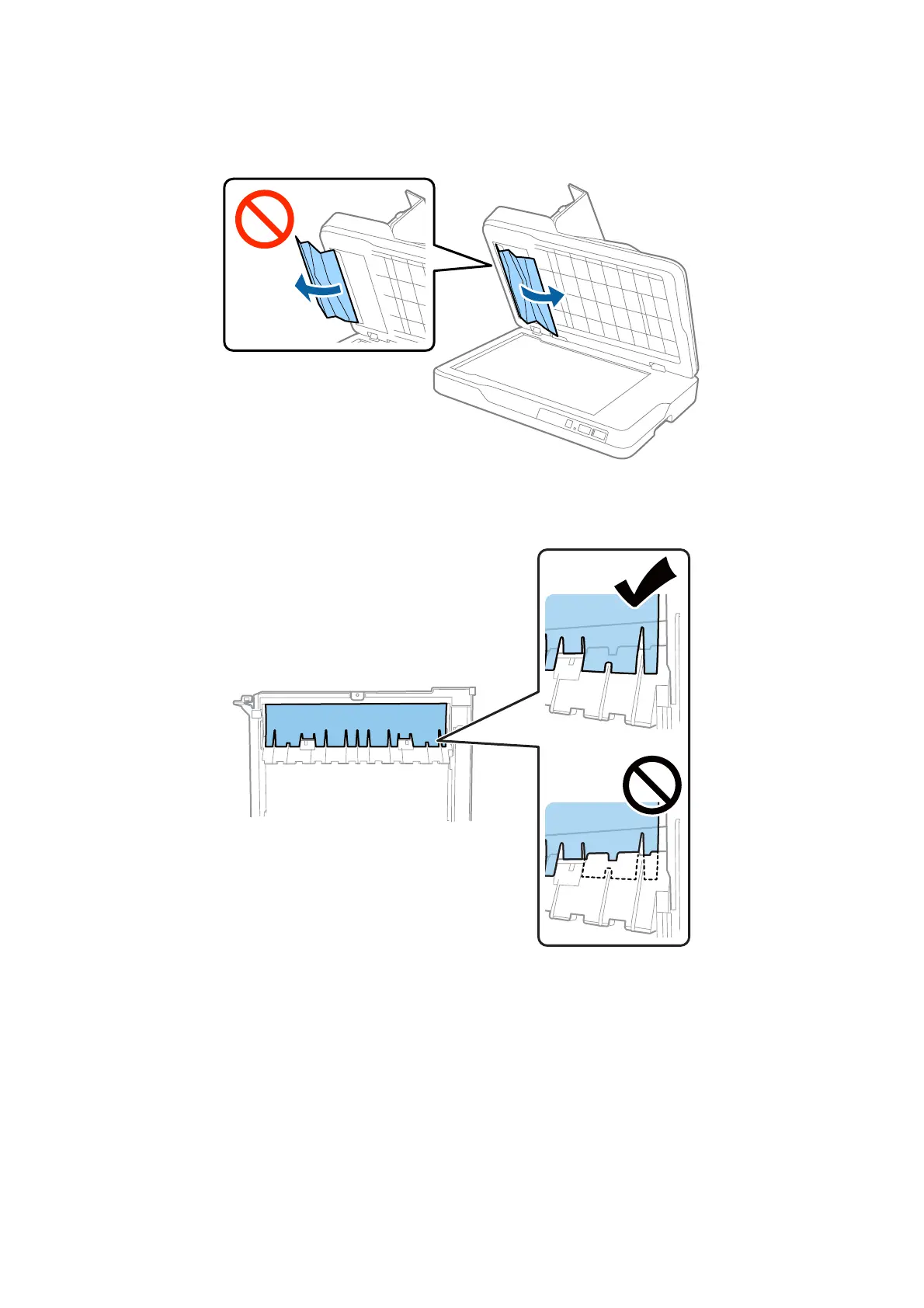
5. Carefully pull out any jammed originals from inside the scanner.
Note:
Make sure the clear part of the document mat is in the correct position.
6.
Attach the document mat.
7. Close the ADF, and then close the ADF cover.
Multiple Originals Are Fed
If multiple originals are fed frequently, try the following.
o If you load unsupported originals, the scanner may feed multiple originals at a time.
oClean the ADF.
User's Guide
Solving Problems
73



 To Next Page