Brightness
You can adjust the brightness for the whole image.
Note:
is feature is not available depending on the settings on the Main Settings tab > Image Type or the settings on the
Advanced Settings tab.
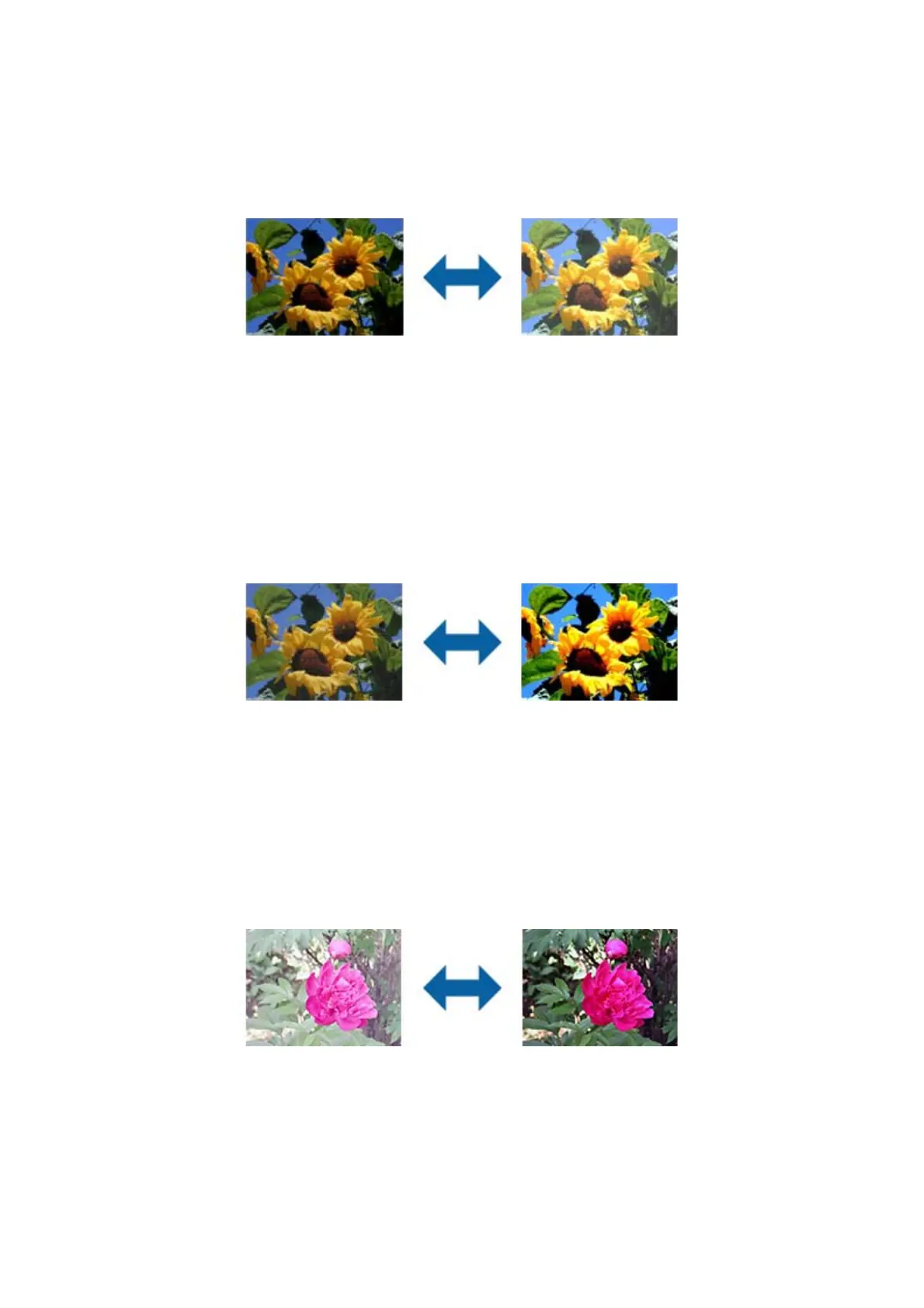
Contrast
You can adjust the contrast for the whole image. If you increase the contrast, the bright areas become brighter, and
the dark areas become darker. On the other hand, if you lower the contrast, the dierences between the bright and
dark areas of the image are less dened.
Note:
is feature is not available depending on the settings on the Main Settings tab > Image Type or the settings on the
Advanced Settings tab.
Gamma
You can adjust the gamma (brightness of the intermediate range) for the whole image. If the image is too light or
too dark, you can adjust the brightness.
Note:
is feature is not available depending on the settings on the Main Settings tab > Image Type or the settings on the
Advanced Settings tab.
User's Guide
Advanced Scanning
43


 To Next Page
 Loading...