Epson Stylus Pro 7700/7710/7700M/7710M/7900/7910/9700/9710/9900/9910/WT7900/WT7910/9890/9908/7890/7908 Revision I
DISASSEMBLY & ASSEMBLY Overview 179
Confidential
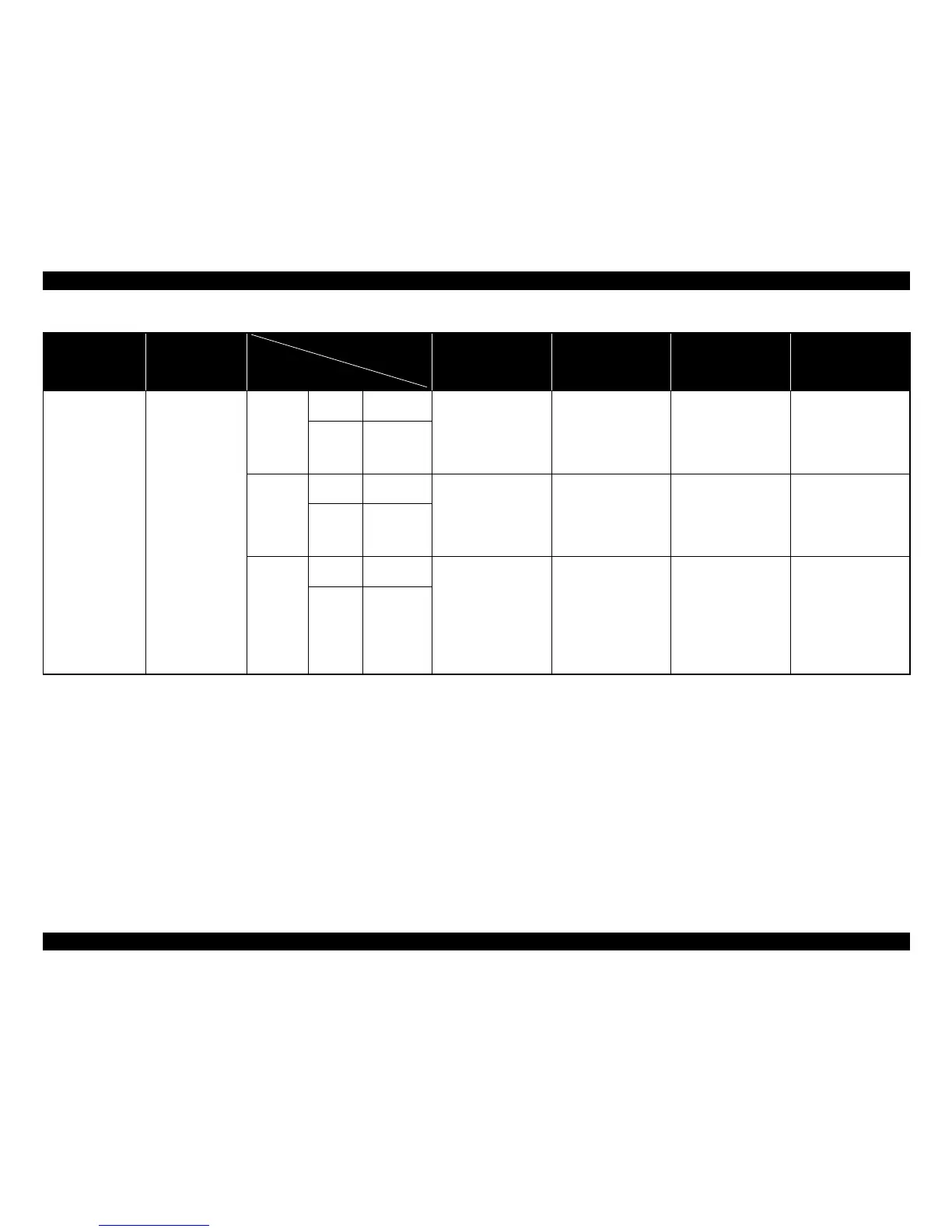
Figure 4-3. Compatibility of the parts/components between models (Control Panel)
Part name Description
Epson Stylus Pro 7900/
7910/9900/9910/7890/
7908/9890/9908
Epson Stylus Pro 7700/
7710/9700/9710
Epson Stylus Pro
WT7900/WT7910
Epson Stylus Pro
7700M/7710M
Control Panel
The Black Ink
Change button of
Epson Stylus
Pro7900/7910/
9900/9910 is
identical to the
Cleaning button.
Mode switch
function is added
to the [Pause]
button only for
Epson Stylus Pro
7700M/7710M.
For Epson Stylus
Pro 7900/7910/
9900/9910/7700/
7710/9700/9710/
WT7900/
WT7910
,the
button function is
not changed.
Epson Stylus
Pro 7900/
7910/9900/
9910/7890/
7908/9890/
9908
ASP Name
PANEL,UNIT
,ESL,ASP
OK
NG: The printed operation
on the control panel
and the actual
operation when the
button is pressed
does not match.
NG: The printed operation
on the control panel
and the actual
operation when the
button is pressed
does not match.
NG: The printed operation
on the control panel
and the actual
operation when the
button is pressed
does not match.
Part Code 1504178
Epson Stylus
Pro 7700/
7710/9700/
9710/
WT7900/
WT7910
ASP Name
PANEL,UNIT
,K,ESL,ASP
NG: The printed operation
on the control panel
and the actual
operation when the
button is pressed
does not match.
OK OK
NG: The printed operation
on the control panel
and the actual
operation when the
button is pressed
does not match.
Part Code 1520214
Epson Stylus
Pro 7700M/
7710M
ASP Name
PANEL,UNIT
,D,ESL,ASP
NG: The printed operation
on the control panel
and the actual
operation when the
button is pressed
does not match.
NG: The printed operation
on the control panel
and the actual
operation when the
button is pressed
does not match.
NG: The printed operation
on the control panel
and the actual
operation when the
button is pressed
does not match.
OK
Part Code 1533199
Installation location
Installing part



 To Next Page
 Loading...









