Chapter 1 Product Overview
13
1
Product Configurations
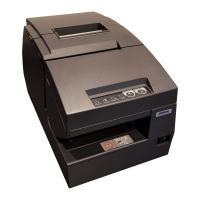
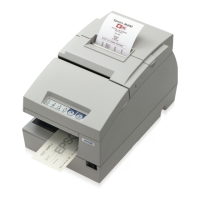
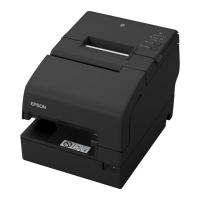
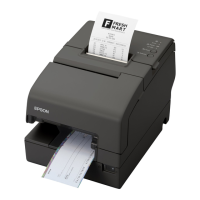
There are two models of the TM-H6000IV: a standard model that can perform slip printing and
receipt printing and a validation model that can also perform validation printing.
An optional MICR reader that can read magnetic ink characters is available for both of the
models. Also, an endorsement printer (E/P) that can print on the back of checks i
s available for
the standard model.
Interfaces
•Serial UB + built-in USB interface model
• Parallel UB + built-in USB interface model
•USB interface model
•Ethernet interface model
•Wireless LAN interface model
Colors
•ECW (Epson Cool White)
•EDG (Epson Dark Gray)
Validation MICR reader E/P
Standard models Not equipped
Equipped/
Not equipped
Equipped/
Not equipped
Validation models Equipped
Equipped/
Not equipped
Not equipped
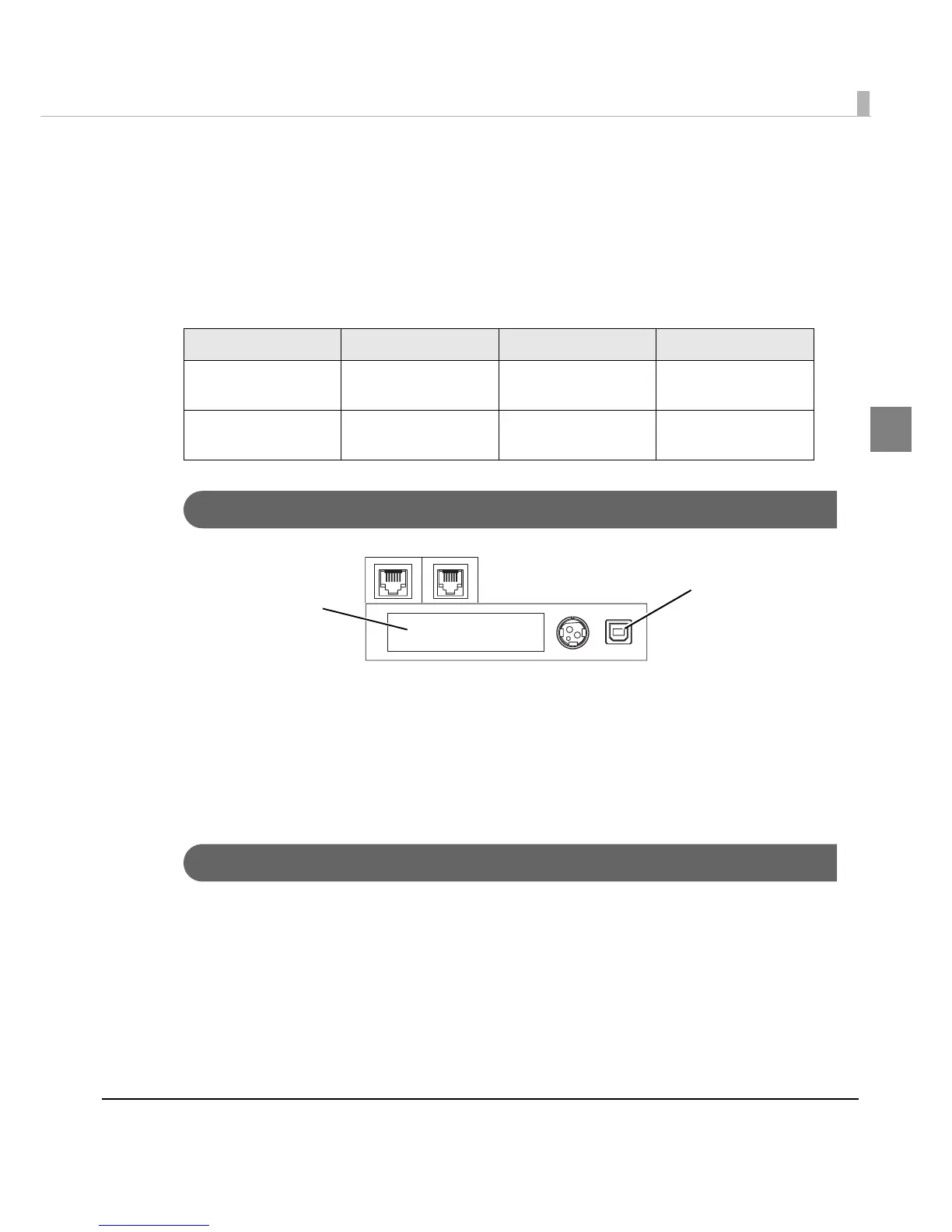
Interface board (UB):
Serial/Parallel/USB/
Ethernet/Wireless LAN
㩷
Built-in USB interface
(Only for serial/parallel
interface models)


 To Next Page
 Loading...