Chapter 2 Setup
57
2
For USB Interface
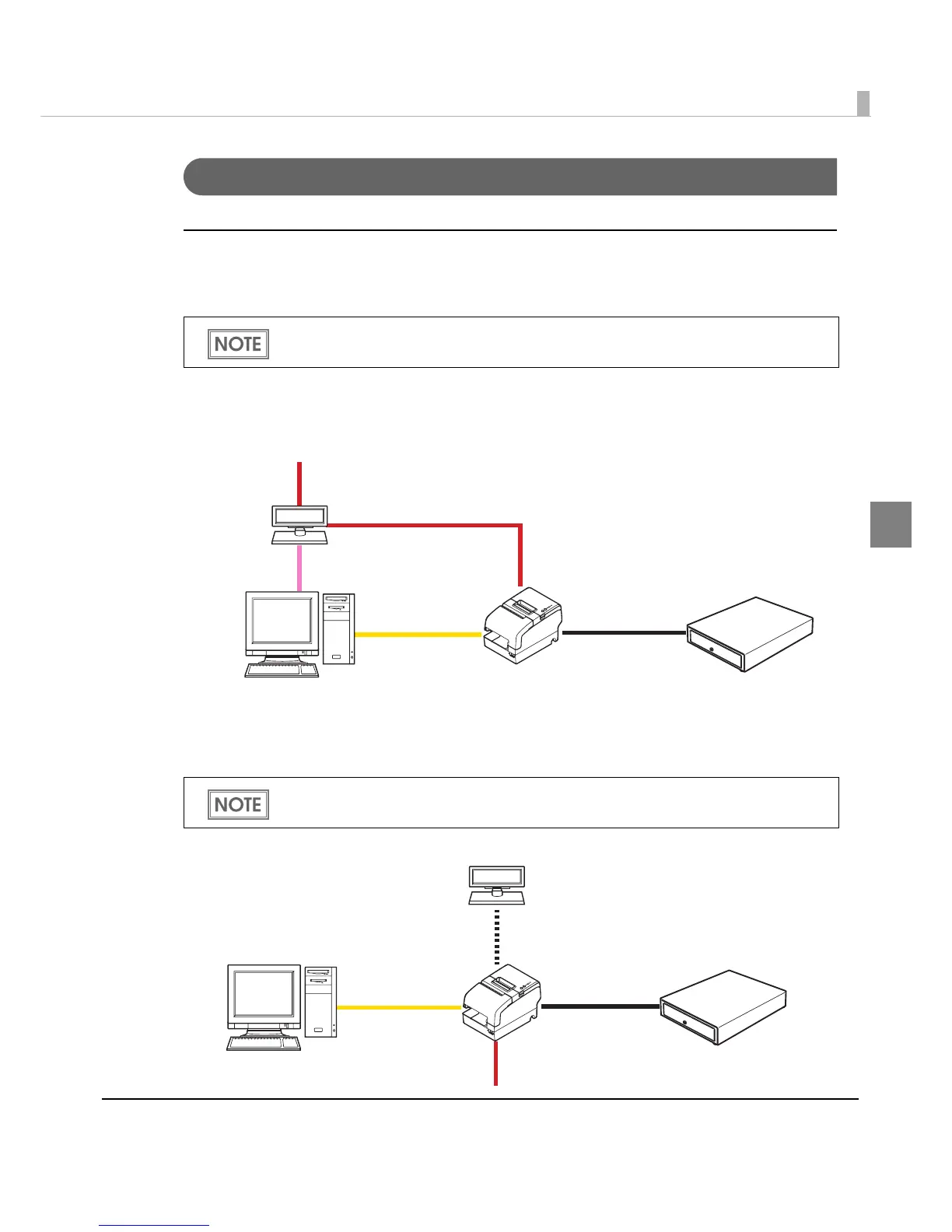
USB interface connection diagram
When this printer is connected to the host computer by the USB interface, two connection forms
are possible, Stand-alone connection or Y connection.
Stand-alone connection
This printer is connected to the host computer via the USB port. When a customer display
(DM-D) is to be connected, connect it to the host computer via the serial port.
Y connection
This printer is connected to the host computer via the USB port. When a customer display
(DM-D) is to be connected, connect it to the printer via the modular cable.
The modular cable is connected to the cash drawer and/or the customer display.
A mount-type customer display also can be directly connected to the printer.
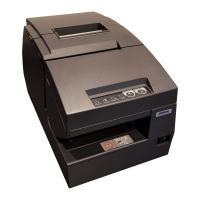
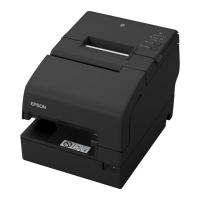
TM-H6000IV
DM-D
Serial cable
Cash drawer
USB cable
Modular cable
Power supply unit + AC cable
Extension cable for power supply
TM-H6000IV
USB cable
Modular cable
Modular cable
Cash drawer
DM-D
Power supply unit + AC cable


 To Next Page
 Loading...