Chapter 2 Setup
61
2
For Wireless LAN Interface
For details on how to set up a wireless LAN interface, see the UB-R02/R03 Technical Reference
Guide.
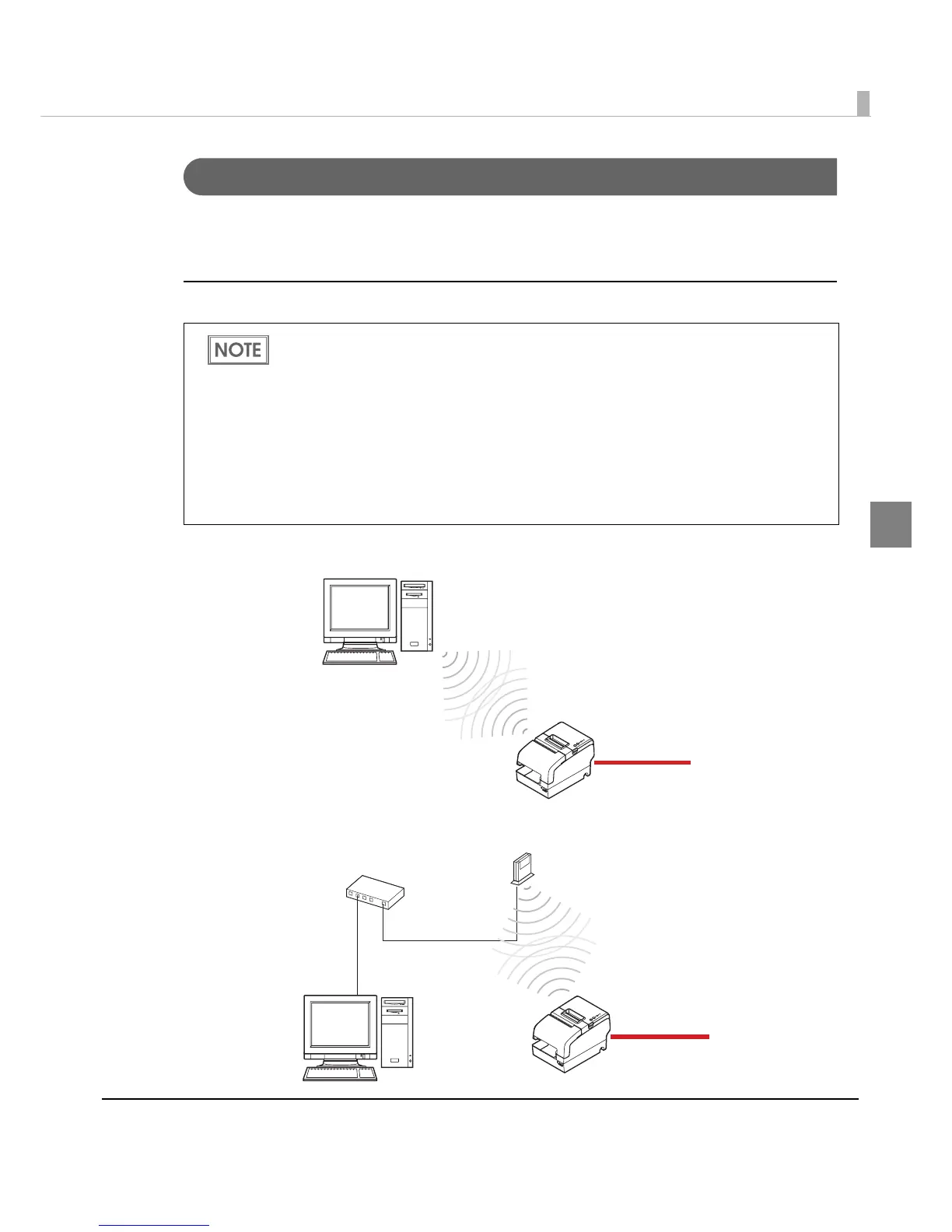
Wireless LAN interface connection diagram
Ad hoc mode
Infrastructure mode
• To use the wireless LAN interface, the IP Address Setup Utility for UB-R02/R03 is
required. For detailed information about the setup methods, see the UB-R02/R03
Technical Reference Guide. You can obtain the IP Address Setup Utility for UB-R02/R03
and the UB-R02/R03 Technical Reference Guide from one of the following URLs or ask
your dealer:
∗ For customers in North America, go to the following web site:
http://www.epsonexpert.com/
∗ For customers in other countries, go to the following web site:
http://www.epson-pos.com/
• Initial setting of the UB-R02 is ad hoc mode.
Power supply unit
+ AC cable
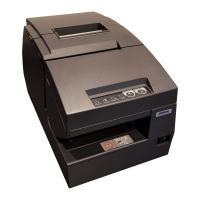
TM-H6000IV
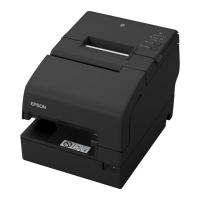
TM-H6000IV
Access point
Power supply unit
+ AC cable


 To Next Page
 Loading...