60
Initialization procedure
1
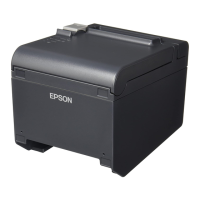
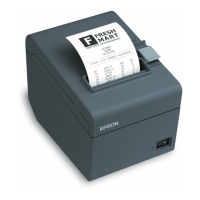
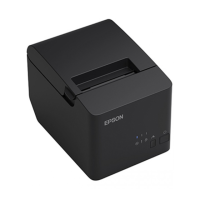
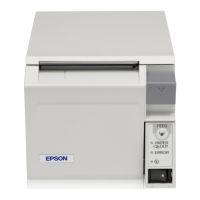
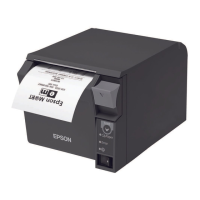
Load the paper on the product and turn on the product.
2
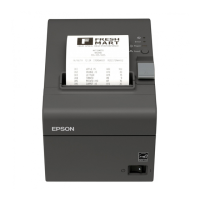
Push and hold the push button for 10 seconds or longer.
The following initialization start message is printed.
Press the push button with a thin object such as a tweezers.
3
20 to 25 seconds later, the following message is printed, and a status sheet is
printed out.
Do not turn off the power until the initialization is completed.


 To Next Page
 Loading...