Operation 3. AUTO Mode
90 TP1 Rev.5
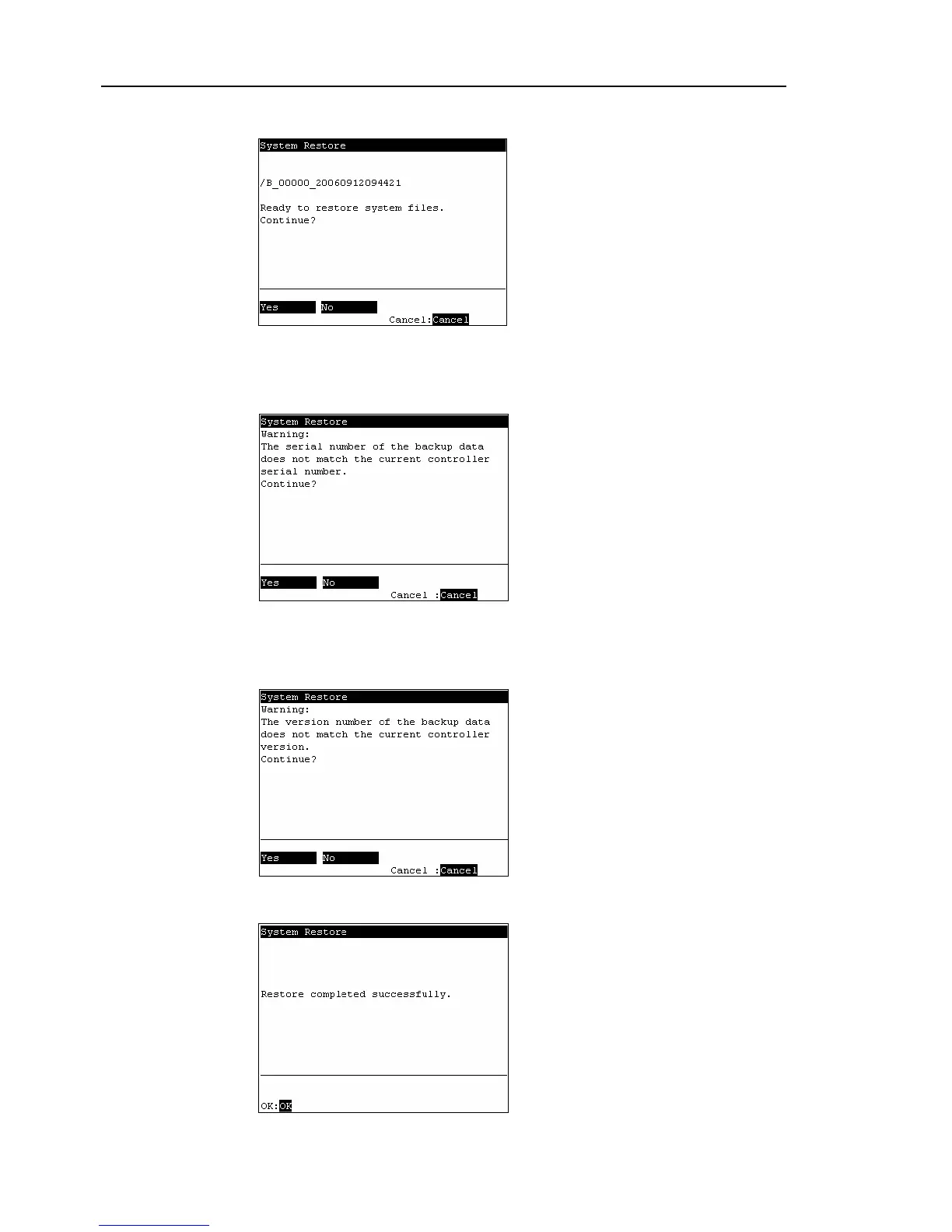
(7) The following screen appears. Press the <F1> key to start the restore.
When the Controller serial number does not match the serial number of the selected
Controller setting data, the following screen appears. To continue, press the <F1>
key.
When the Controller system software version does not match the version of the
selected Controller setting data, the following screen appears. To continue, press
the <F1> key.
(8)
After execution is completed, the following screen appears.
Press the <OK> key and the Controller reboots.



 To Next Page