Operation 1. Teaching Procedure
TP1 Rev.5 27
1. Teaching Procedure
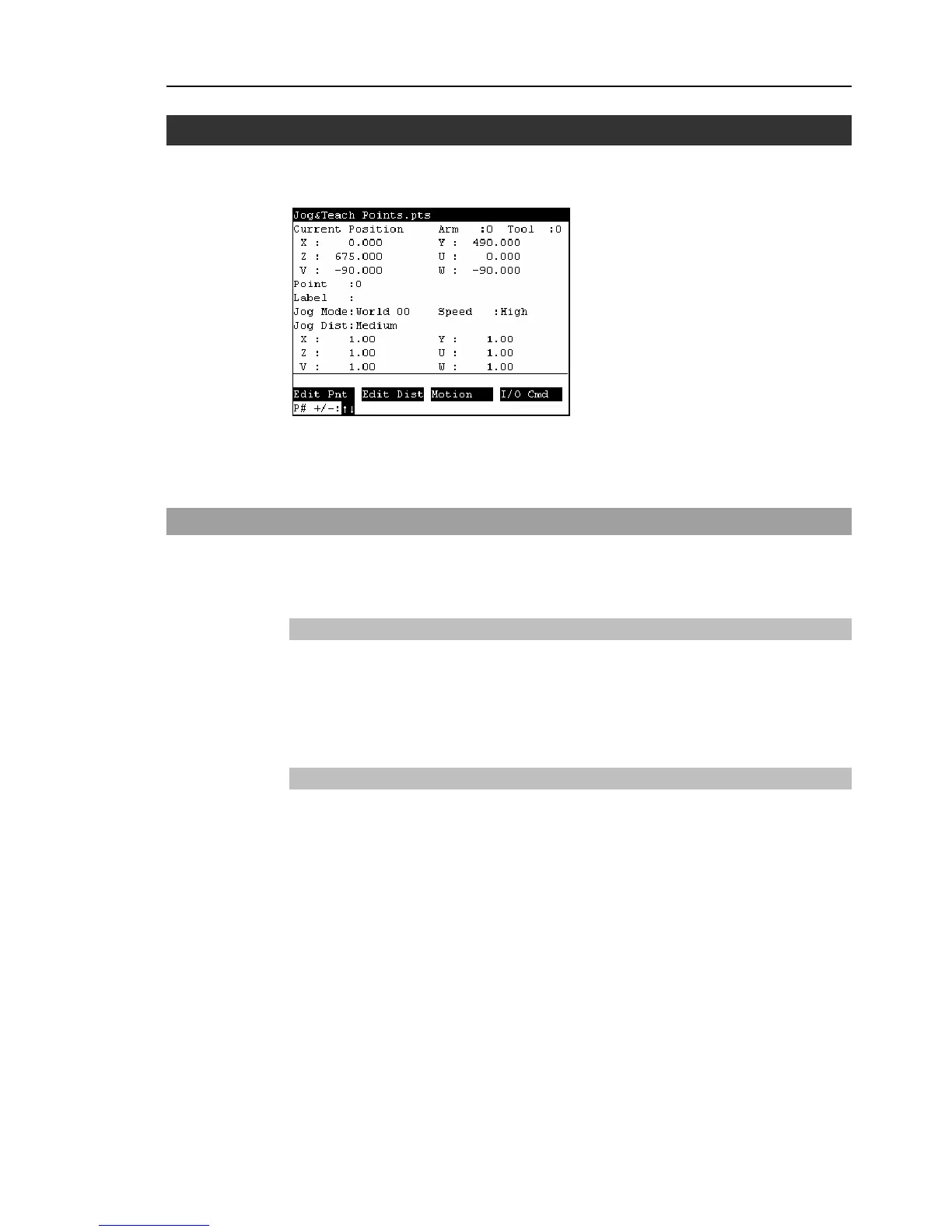
The basic jog operation and teaching procedure is indicated.
Switch the mode selector switch to “Teach” to display the following screen.
A coordinate point including the arm pose is defined as “position (point),” and the data is
called “point data.”
1.1 Jog Operation
Move the Robot to the teaching position by one of the following operation (Step Jog
operation, Continuous Jog operation).
Step Jog Operation
In Step Jog, moves the Robot by pressing the Jog key each time.
Jog distance of the Robot is configured before hand.
Press the <Jog Dist> key to specify the [Jog Dist] (Long, Medium, Short).
Execute the step jog by gripping the enable switch as pressing the Jog key.
Continuous Jog Operation
In Continuous Jog, moves the Robot while pressing the Jog key.
Press the <Jog Dist> key to select “Cont Jog” for the [Jog Dist].
Execute the continuous jog by gripping the enable switch as pressing the Jog key.
)
NOTE



 To Next Page