Operation 2. TEACH Mode
34 TP1 Rev.5
2.1.7 Motor ON/OFF
Press the <Motor> key to switch the motor ON and OFF.
This can be executed at any time in TEACH mode.
2.1.8 Executing Return to Home
Press the <Home> key to return the robot to its home position.
This can be executed at any time in TEACH mode.
2.1.9 Teaching
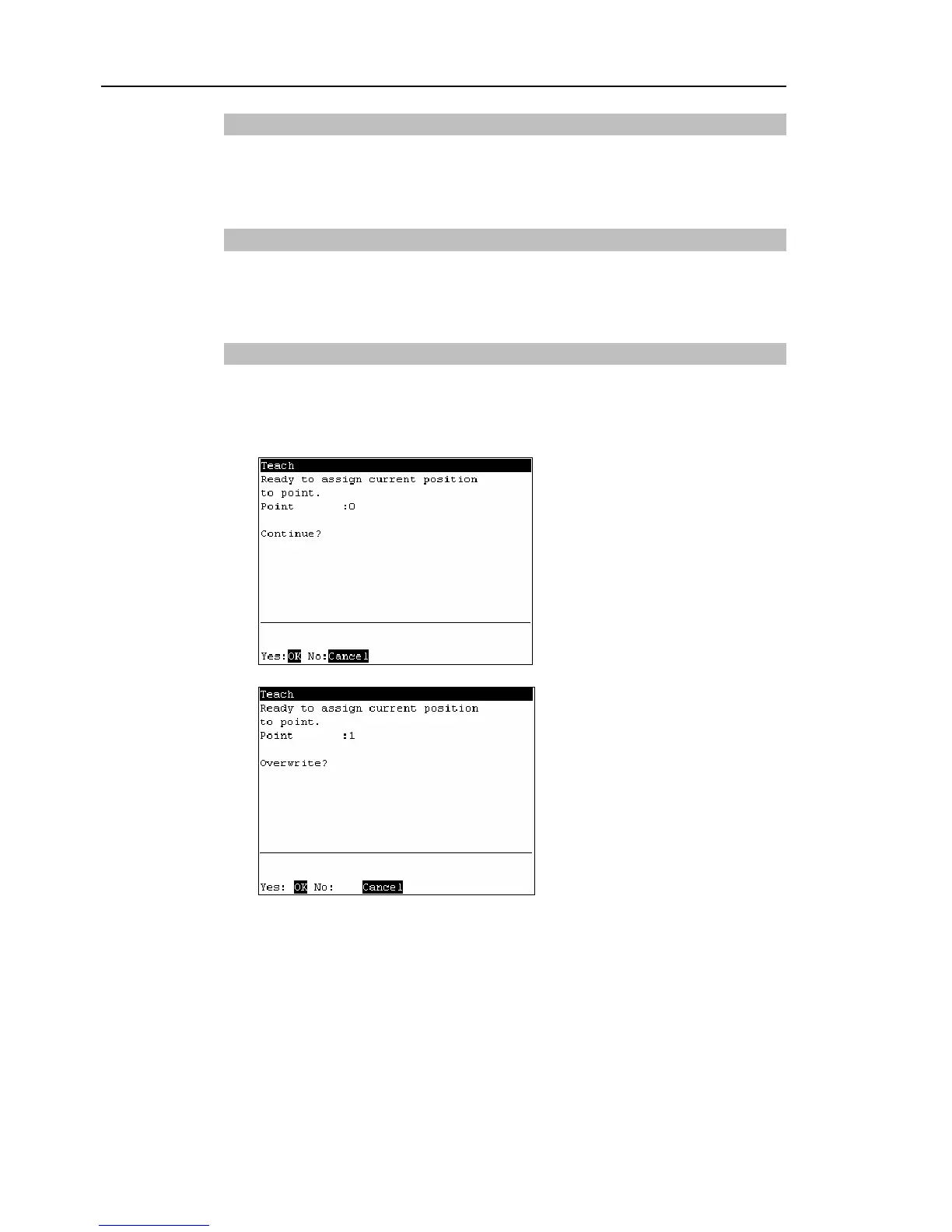
The robot position is assigned to the specified point No.
(1)
Press the <Teach> key.
(2)
The following screen appears.
When the point number is already used, the following screen appears.
(3)
Press the <OK> key to assign the point data.
(4)
Press the <Save Points> key.
This can also be executed in the [Point Editor] screen.
)
TIP
)
TIP
)
TIP



 To Next Page