Operation 1. Teaching Procedure
TP1 Rev.5 29
1.3 Direct Teaching
“Direct teach” is a way to teach the Robot directly by setting the teaching joint to
servo-OFF.
Apply the Robot position to the specified point number.
(1)
Specify the point number by changing the value in the [Point] using the <↑> and
<↓> keys.
[Label] display changes by changing the point number.
(2)
Press the <Jog Dist> key to select “Free Joint” for the [Jog Dist].
Set each joint to servo ON or OFF.
<+> key : Lock : Servo OFF the joint
<−> key : Free : Servo ON the joint
<F2> key : All Lock : Servo OFF all the joint
<F3> key : All Free : Servo ON all the joint
(3)
Servo OFF joint can be moved with hands.
Move the Robot arm to the position to teach.
(4)
Press the <Teach> key.
(5)
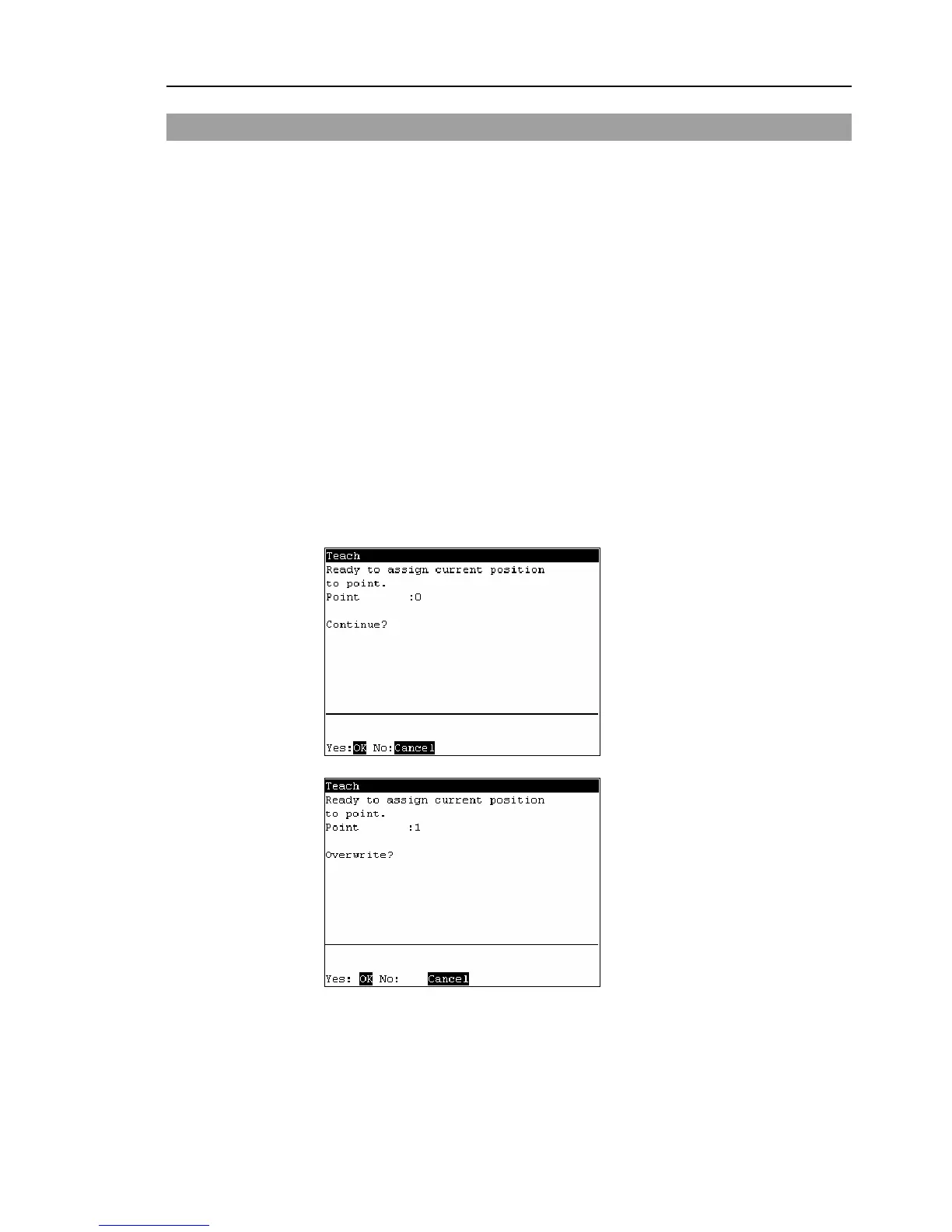
The following screen appears.
When the point number is already used, the following screen appears.
(6)
Press the <OK> key to assign the robot position.



 To Next Page