Operation 3. AUTO Mode
72 TP1 Rev.5
3.4 Task Monitor
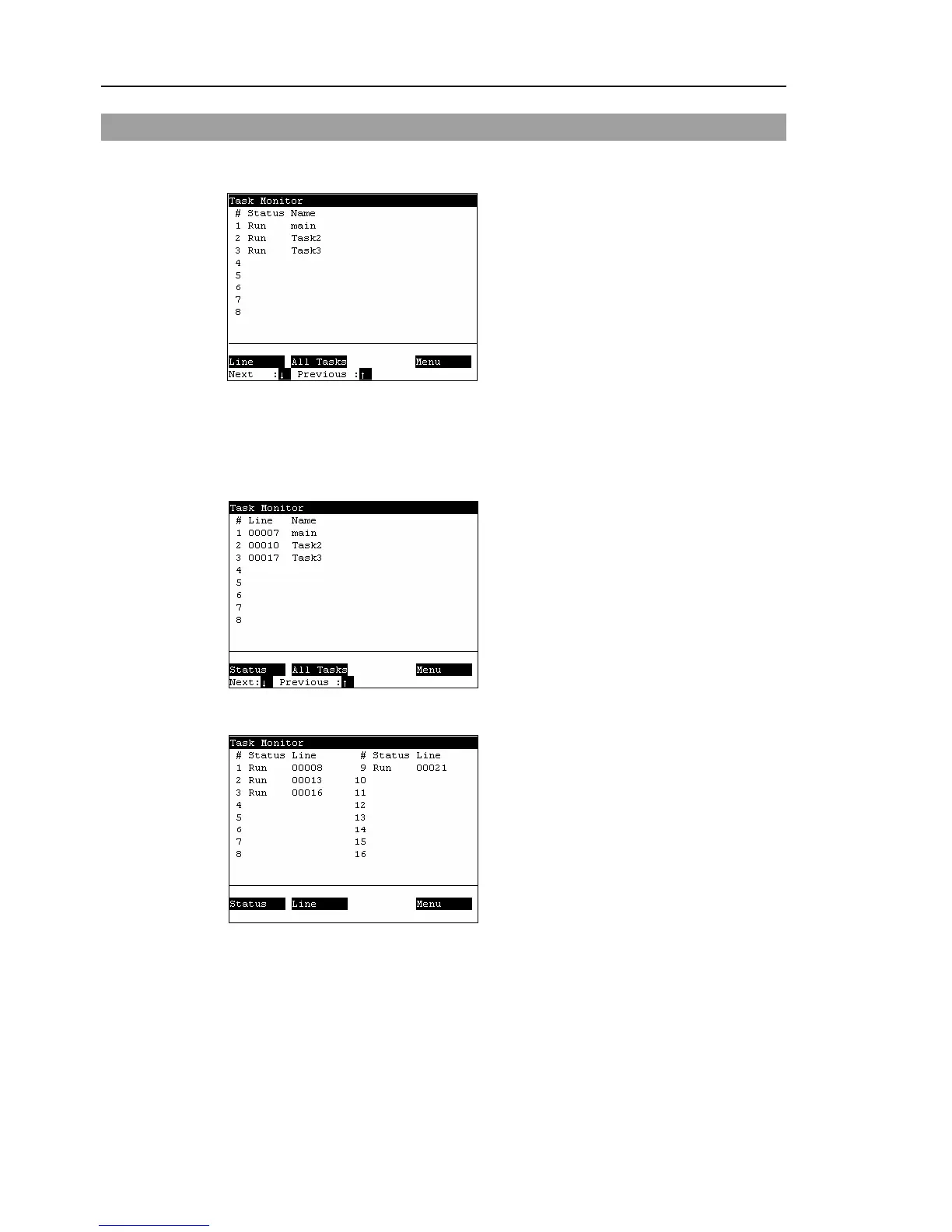
This screen displays the status of tasks.
In the [Main Menu] screen, move the cursor to [3 Task Monitor], and press the <OK> key.
When the task name is too long to display the whole name, a tilde is attached at the end of
the task name as “LongTaskNa~”.
When the task is “NoPause task”, “*P” is attached at the end of the task name.
When the task is “NoEmgAbort task”, “*E” is attached at the end of the task name.
<F1>
Displays the line number and task name in the program specified by the cursor.
<F2>
Displays the status and line number of all tasks in the program specified by the cursor.



 To Next Page