Operation 2. TEACH Mode
40 TP1 Rev.5
2.6 Executing Motion Commands
2.6.1 E2 Series / G Series
This item indicates the procedure for executing motion commands when using E2 series /
G series robots.
(1)
Press the <F3> key in the [Jog&Teach] screen.
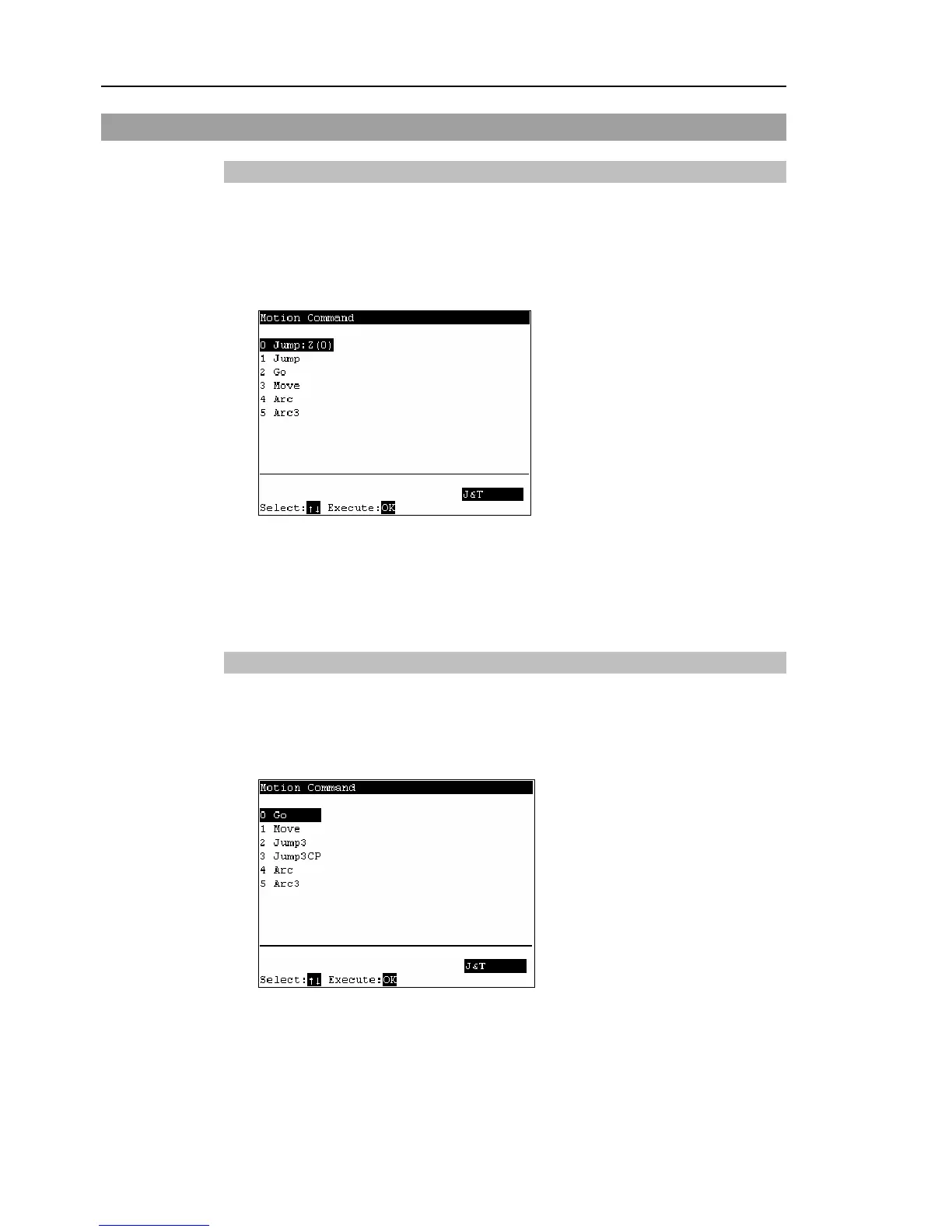
The following screen appears.
Move the cursor to the desired motion command, and press the <OK> key.
(2)
The motion command screen appears.
Set the information required for the command, and press the <Enter> key to apply
the settings.
(3)
Press the <OK> key to execute the command.
2.6.2 PS Series
This item indicates the procedure for executing motion commands when using PS series
robots.
(1)
Press the <F3> key in the [Jog&Teach] screen. The following screen appears.
Move the cursor to the desired motion command, and press the <OK> key.
(2)
The motion command screen appears.
Set the information required for the command, and press the <Enter> key to apply
the settings.
(3)
Press the <OK> key to execute the command.



 To Next Page