Operation 3. AUTO Mode
84 TP1 Rev.5
3.6.5 Import Files
Imports “Prg”, “Inc” and “Pts” files in the USB memory to projects in the Controller.
Only files of the same name as those that exist in projects can be imported.
(1)
Insert the USB memory into the Controller.
(2)
In the [Program Mode] screen, move the cursor to [4 Import File...], and press the
<OK> key.
(3)
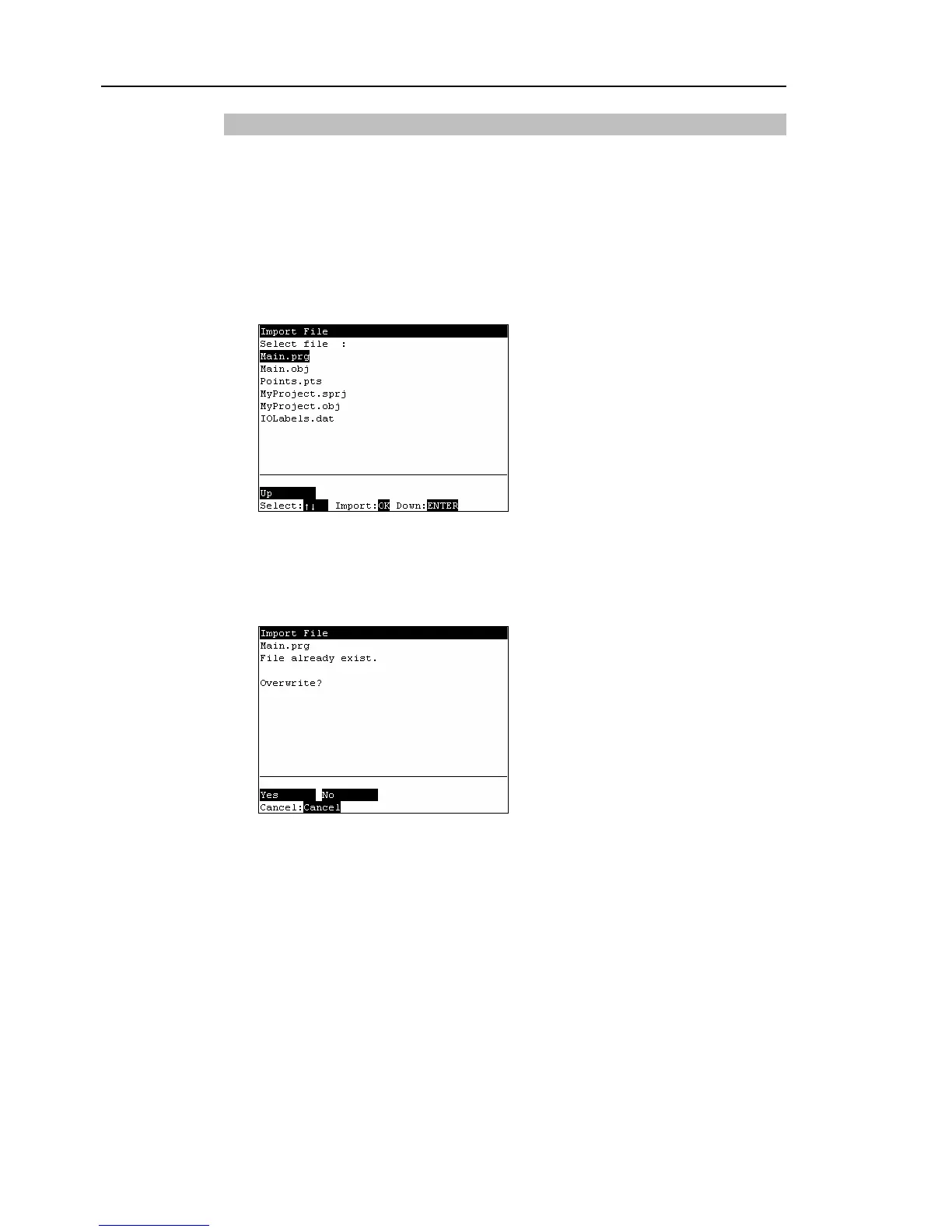
The following screen appears.
Move the cursor to the file to import, and press the <OK> key.
<Enter>
Displays the hierarchy one level below the selected folder.
<F1>
Displays the hierarchy one level above the selected folder.
(4)
Executes the file import.
When a file of the same name already exists, the following screen appears.
<F1>
Overwrites the file.
<F2>
Moves to the [Program Mode] screen.



 To Next Page