Operation 3. AUTO Mode
TP1 Rev.5 87
3.6.7 Backup System
Backs up system files in the Controller to the USB memory.
(1)
Insert the USB memory into the Controller.
(2)
In the [Program Mode] screen, move the cursor to [6 System Backup...], and press
the <OK> key.
(3)
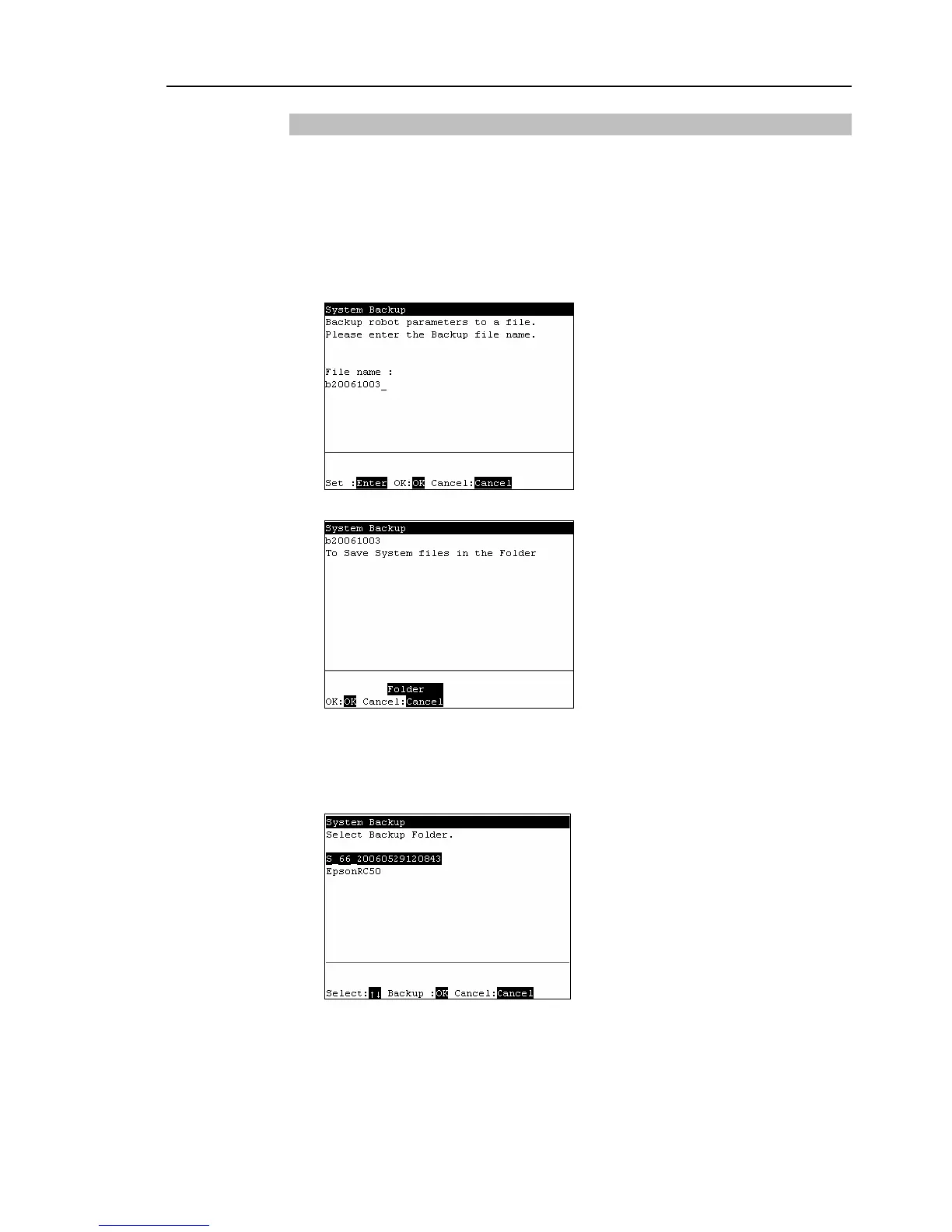
The following screen appears.
Enter the file name and press the <Enter> key.
(4)
The following screen appears. Press the <OK> key.
When <OK> key is pressed without specifying a folder, the backup file is stored
directly in the USB memory. For procedure to specify the folder, refer to (5).
(5)
The following screen appears.
Move the cursor to the folder to save the backup data and press the <OK> key.
)
TIP



 To Next Page