Operation 3. AUTO Mode
94 TP1 Rev.5
(2)
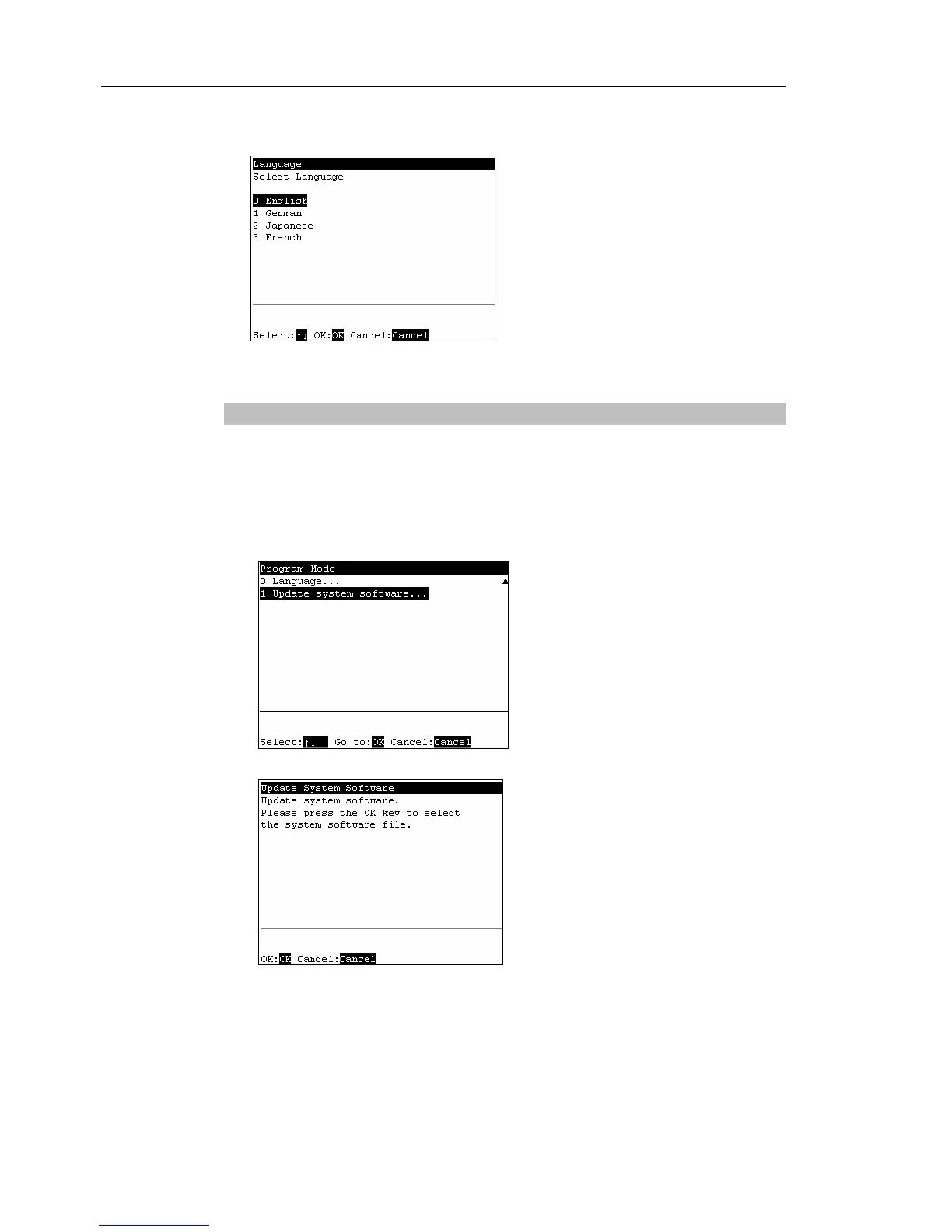
The following screen appears.
Move the cursor to the desired display language, and press the <OK> key.
(3)
Press the <OK> key and the Controller reboots.
3.6.12 Update System Software
Updates the system software of the Controller to the system software in USB memory.
(1)
Insert the USB memory into the Controller.
(2)
In the [Program Mode] screen, move the cursor to the last line, and press the <↓>
key. The following screen appears.
Move the cursor to [1 Update System Software], and press the <OK> key.
(3)
The following screen appears. Press the <OK> key.



 To Next Page