Operation 3. AUTO Mode
TP1 Rev.5 95
(4)
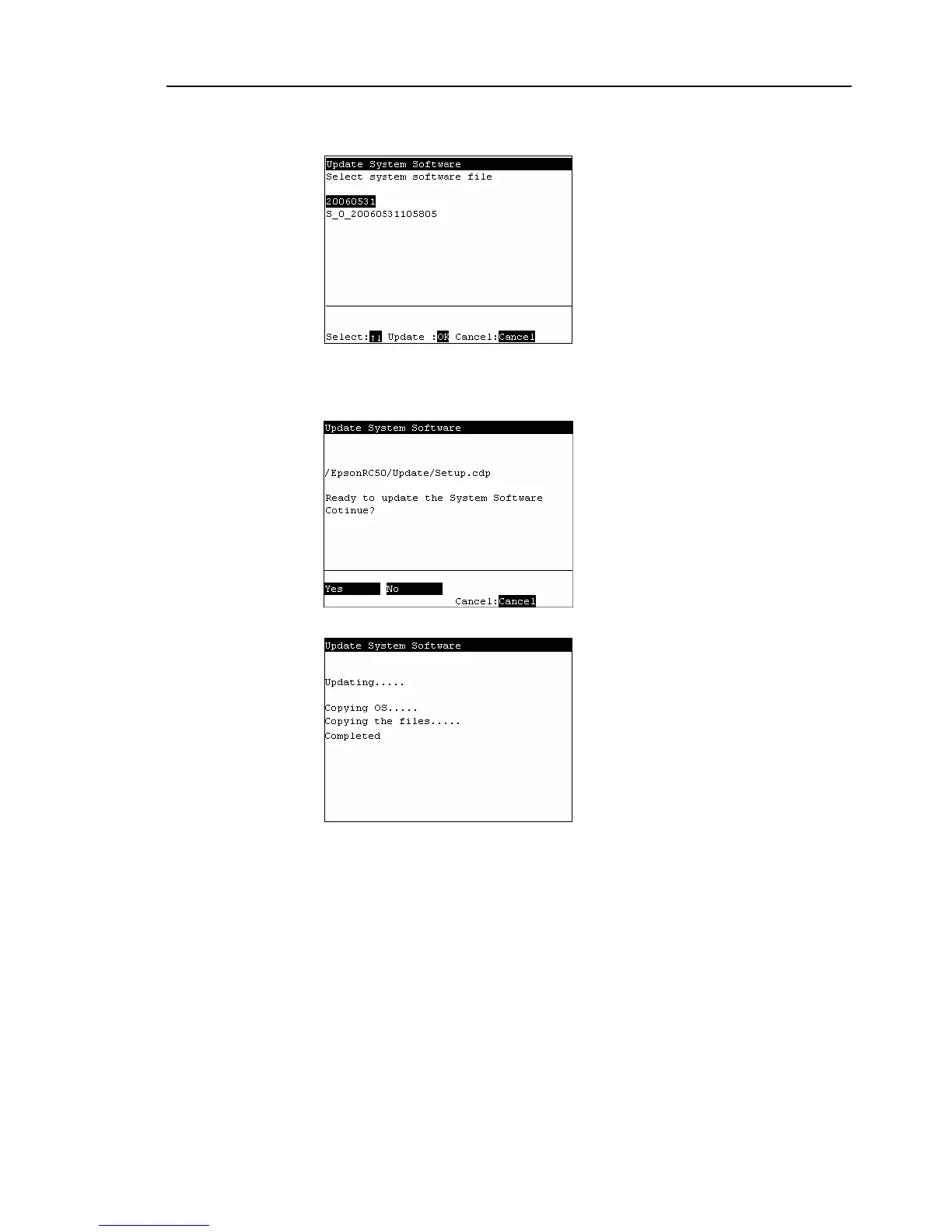
The following screen appears.
Move the cursor to the folder to update, and press the <OK> key.
<Enter>
Displays the hierarchy one level below the selected folder.
<F1>
Displays the hierarchy one level above the selected folder.
(5)
The following screen appears. Press the <F1> key to execute the update.
(6)
After the software is updated, the following screen appears.



 To Next Page