Operation 3. AUTO Mode
TP1 Rev.5 97
3.8 Save Controller Statuses
Indicate the procedure to save the status of the Controller to the USB memory.
(1)
Insert the USB memory into the Controller.
(2)
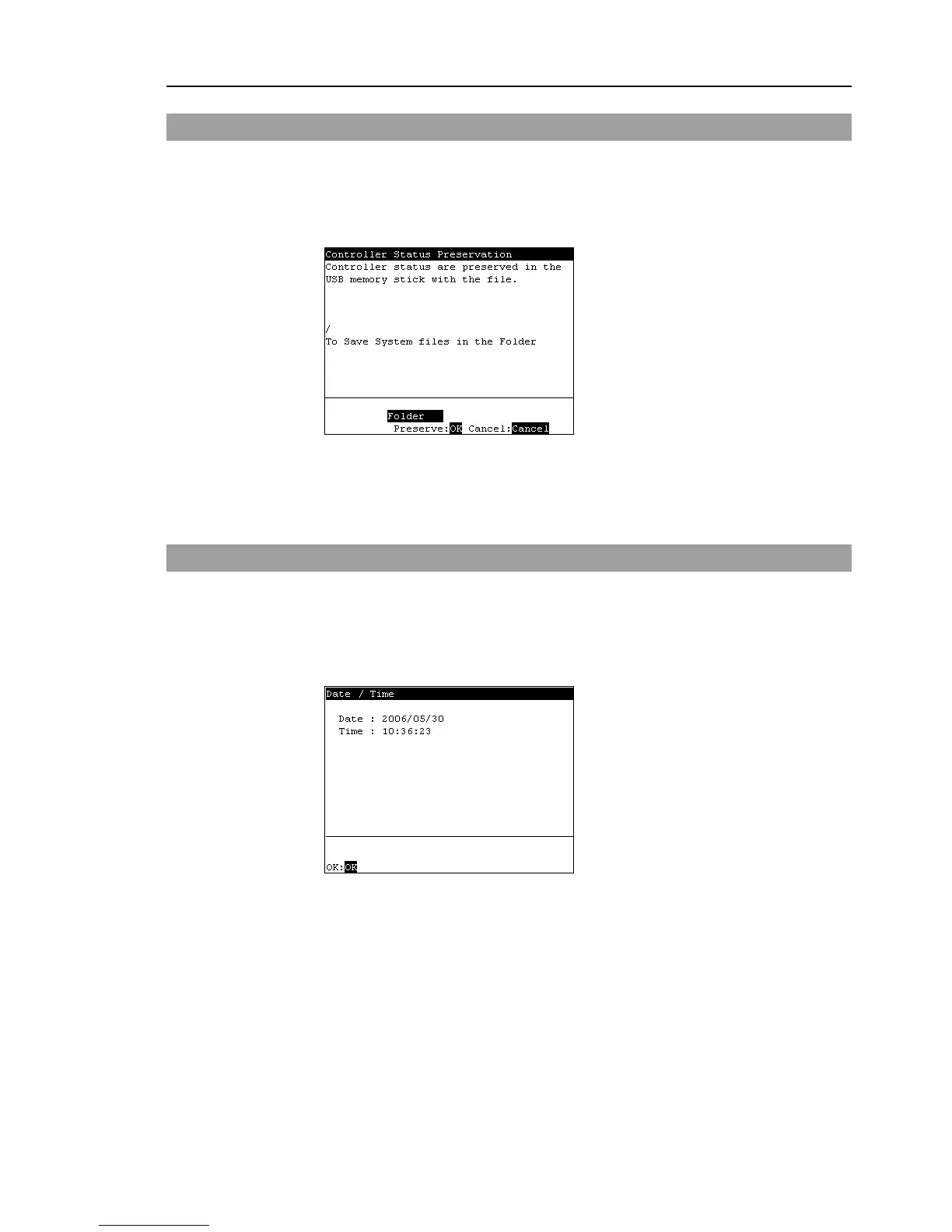
In the [Main Menu] screen, move the cursor to [Controller States...], and press the
<OK> key. The following screen appears.
(3)
Select a folder to save the data.
The root directory is selected by default.
(4)
Press the <OK> key to save the status.
3.9 Display Date and Time
This screen displays the Controller's date and time.
(1)
In the [Main Menu] screen, move the cursor to [8 Date / Time], and press the <OK>
key.
(2)
The following screen appears. Able to check the date and time.
<F1>
Returns to the [Main Menu] screen.



 To Next Page