Operation 2. TEACH Mode
38 TP1 Rev.5
2.4 Arm/Tool/Local/ECP
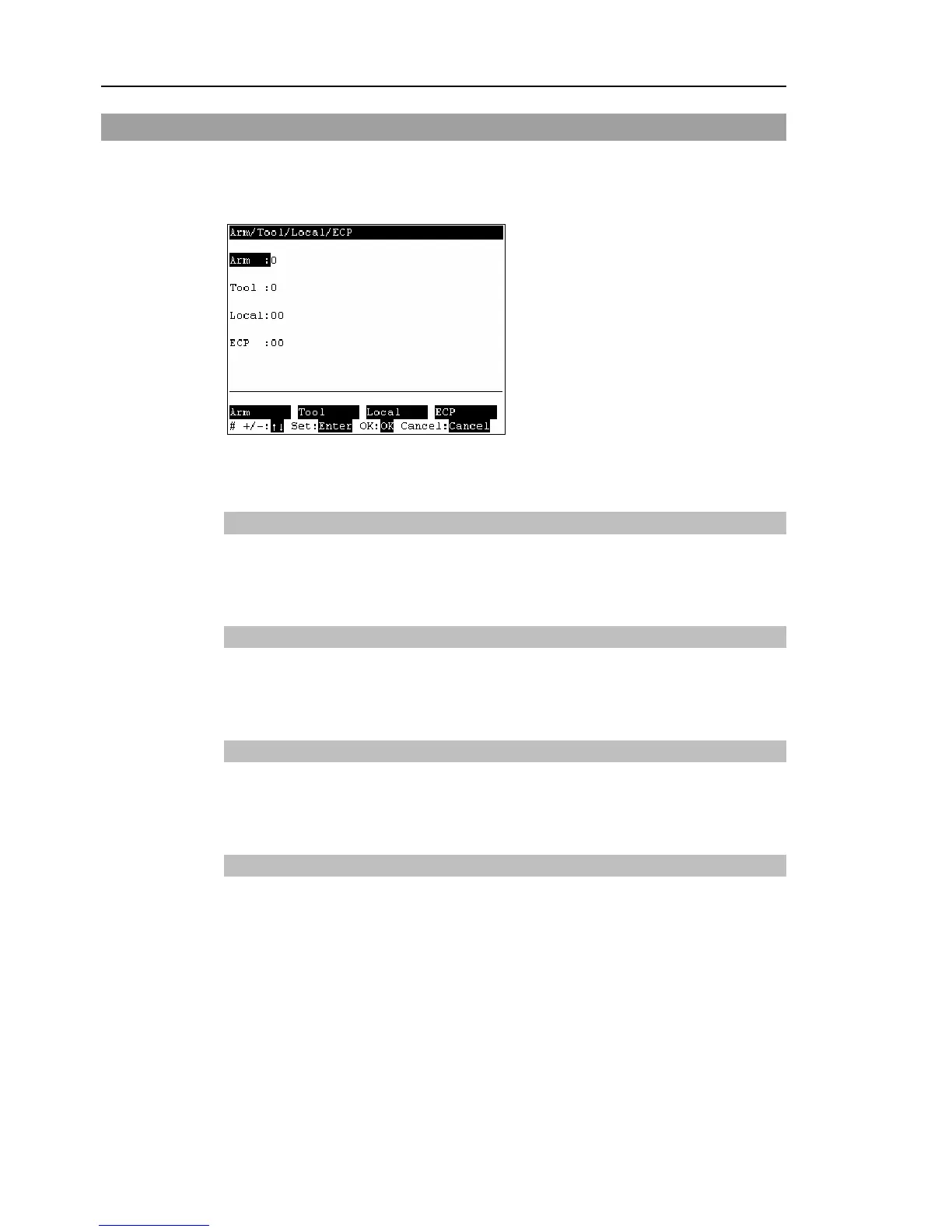
This section indicates settings in the [Arm/Tool/Local/ECP] screen.
Press the <F5> or <F6> key in the [Jog&Teach] screen.
The following screen appears.
When a value has been changed, press the <Enter> key to apply the value, and be sure to
press the <OK> key to save the settings.
2.4.1 Changing Arm No.
(1)
Press the <F1> key and move the cursor to [Arm].
(2)
Set the arm number.
2.4.2 Changing Tool No.
(1)
Press the <F2> key and move the cursor to [Tool].
(2)
Set the tool number.
2.4.3 Changing Local No.
(1)
Press the <F3> key and move the cursor to [Local].
(2)
Set the local number.
2.4.4 Changing ECP No.
(1)
Press the <F4> key and move the cursor to [ECP].
(2)
Set the ECP No.



 To Next Page