Operation 3. AUTO Mode
82 TP1 Rev.5
3.6.3 Backing up Projects
Backs up projects to USB memory.
(1)
Insert the USB memory into the Controller.
(2)
In the [Program Mode] screen, move the cursor to [2 Backup Project...], and press
the <OK> key.
(3)
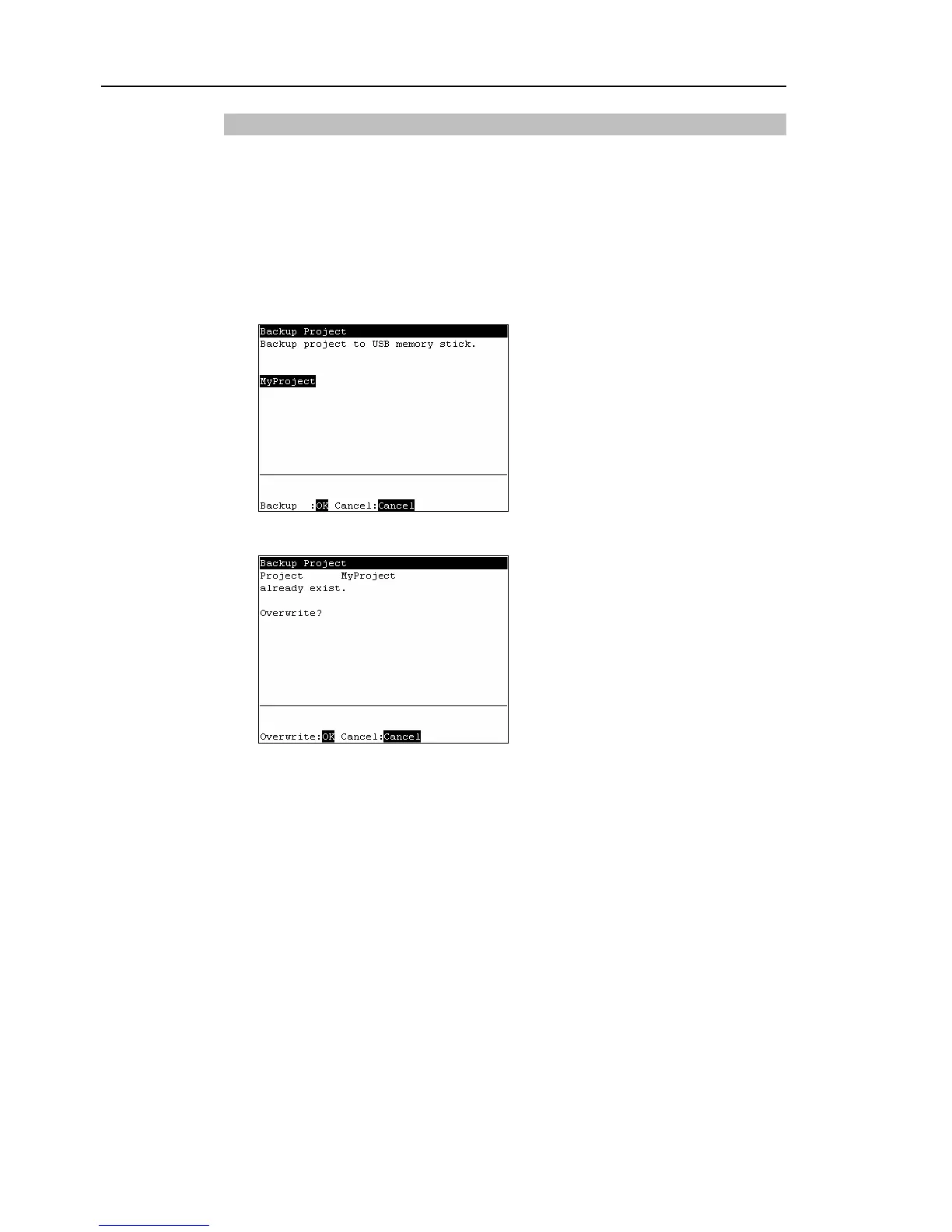
The following screen appears.
Press the <OK> key to execute the project backup.
Saves the project to the folder “\EpsonRC50\Projects” in the USB memory.
When a project of the same name exists in the USB memory, the following screen
appears.
<OK>
Overwrites the project.
<Cancel>
Cancels the project backup.



 To Next Page