Operation 3. AUTO Mode
TP1 Rev.5 73
3.5 System History
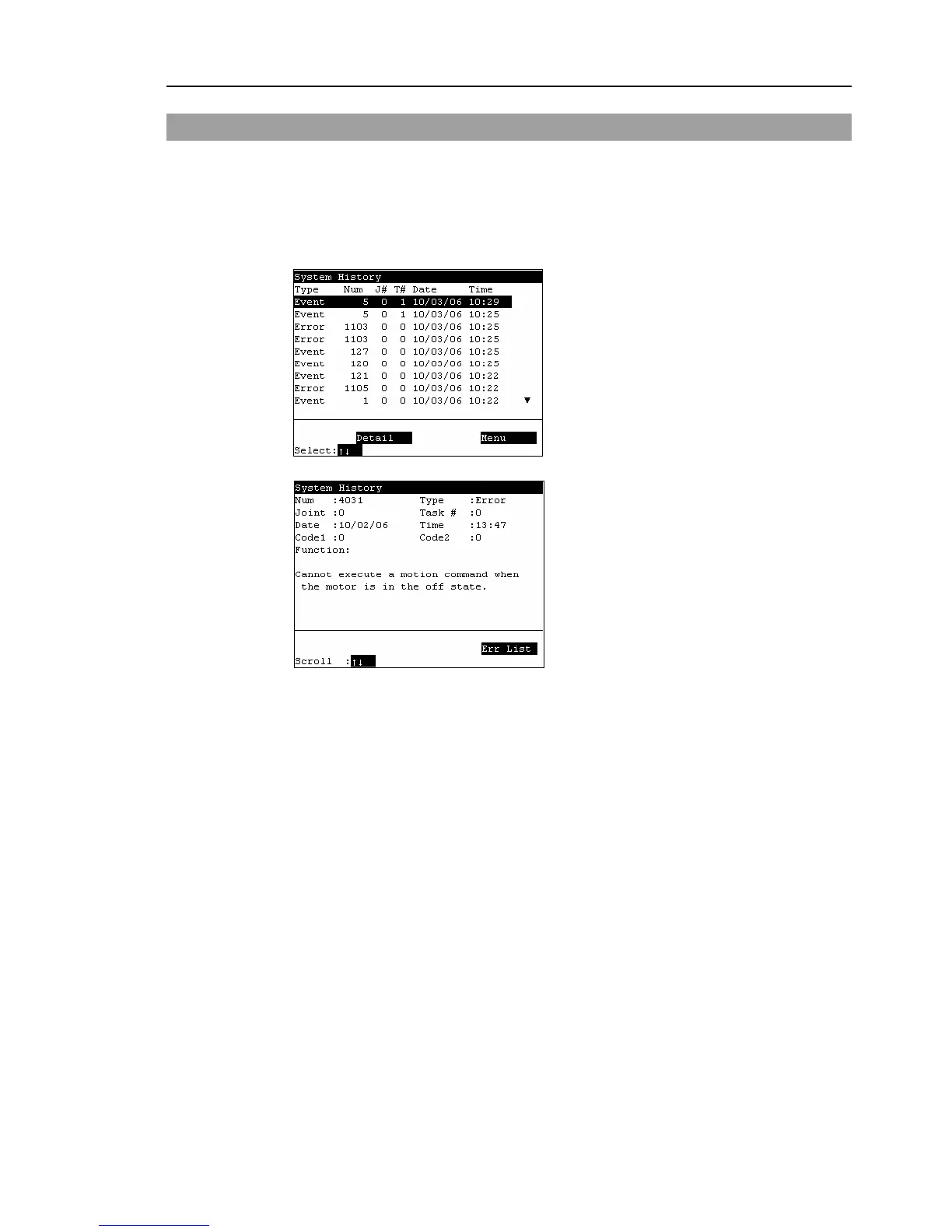
This screen displays a history of errors, operations and warnings that occurred in the past.
In the [Main Menu] screen, move the cursor to [4 System History], and press the <OK>
key.
Displays the item type, Number, joint #, task #, date, and time in this order from the left.
[System History] main screen
<F2>
Displays the details of the error specified by the cursor.



 To Next Page