Operation 2. TEACH Mode
TP1 Rev.5 35
2.1.10 Saving Point Data to File
(1)
Press the <Save Points> key.
(2)
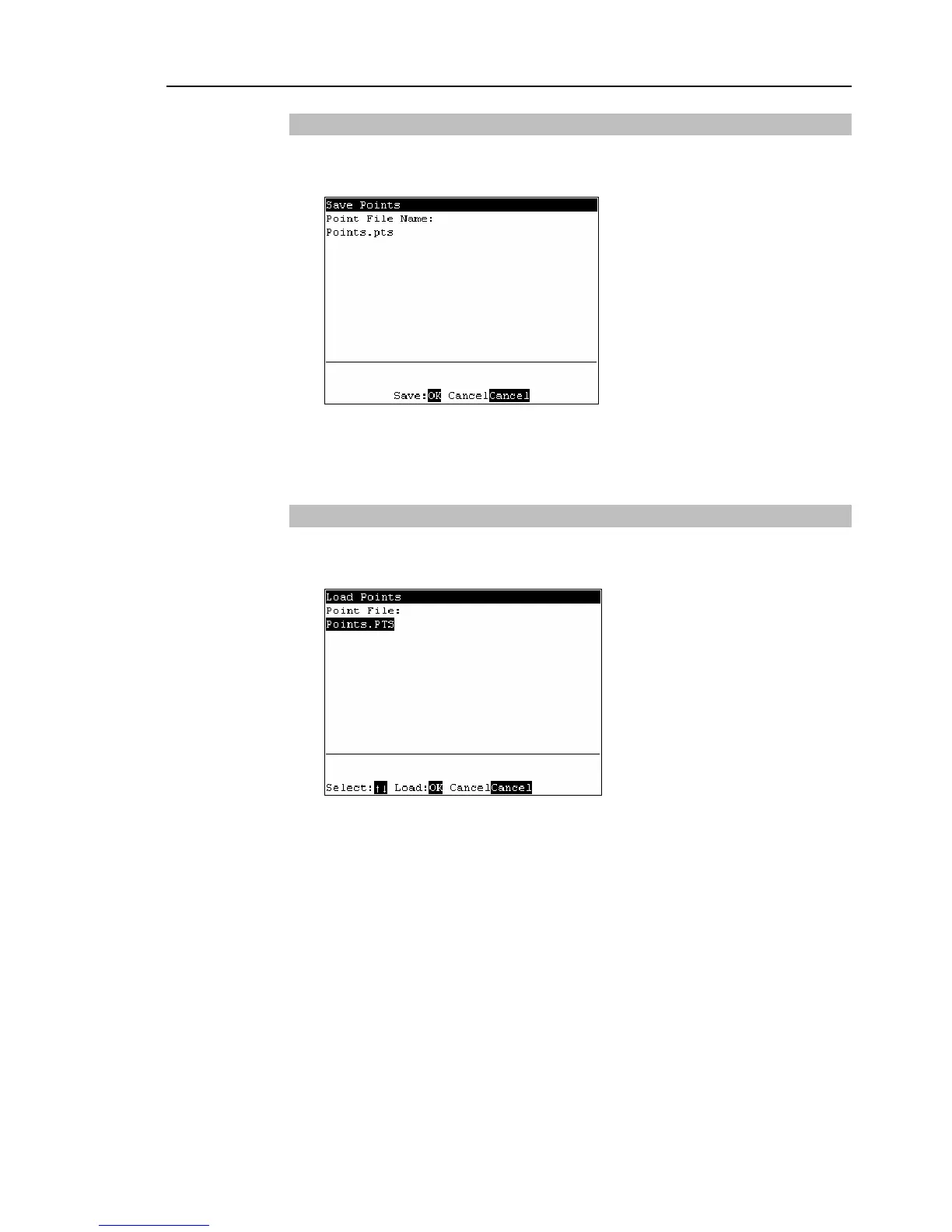
The following screen appears. Enter the file name, and press the <Enter> key.
(3)
Press the <OK> key to save the positions to the file.
This can also be executed in the [Point Editor] screen.
2.1.11 Loading Point Data from File
(1)
Press the <LoadPoints> key.
(2)
The following screen appears. Move the cursor to select a file.
(3)
Press the <OK> key to load the point data in the file memory.
This can also be executed in the [Point Editor] screen.
)
TIP
)
TIP



 To Next Page