Operation 3. AUTO Mode
74 TP1 Rev.5
3.6 Program Mode
This section indicates settings in the [Program Mode] screen.
Follow the procedure below to display the [Program Mode] screen.
(1)
In the [Main Menu] screen, move the cursor to [5 Program Mode...], and press the
<OK> key.
(2)
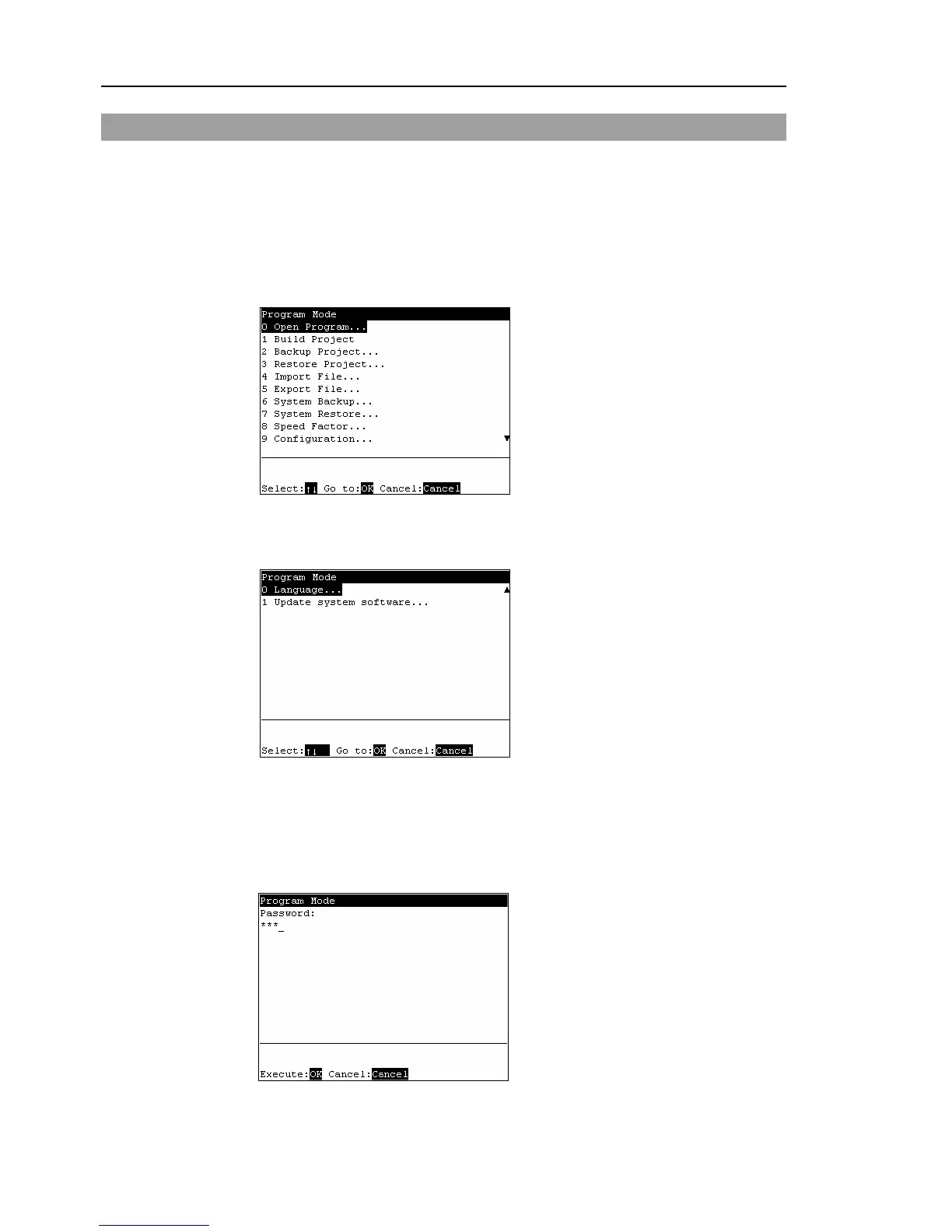
The following screen appears.
[Program Mode] screen
Move the cursor to the last line and press the <↓> key to display the following
screen.
[Program Mode] screen (next screen)
Menus with “...” at the end have following procedures after selecting the menu and
cannot be executed only by pressing the <OK> key.
When a password is set up, the following screen appears before displaying the
[Program Mode] screen.
Enter the password (1 to 16 characters). Press the <OK> key.
For password setting, refer to Operation 4. Password Setup.
)
TIP
)
TIP



 To Next Page