Operation 2. TEACH Mode
66 TP1 Rev.5
2.9 Releasing Brake (PS series only)
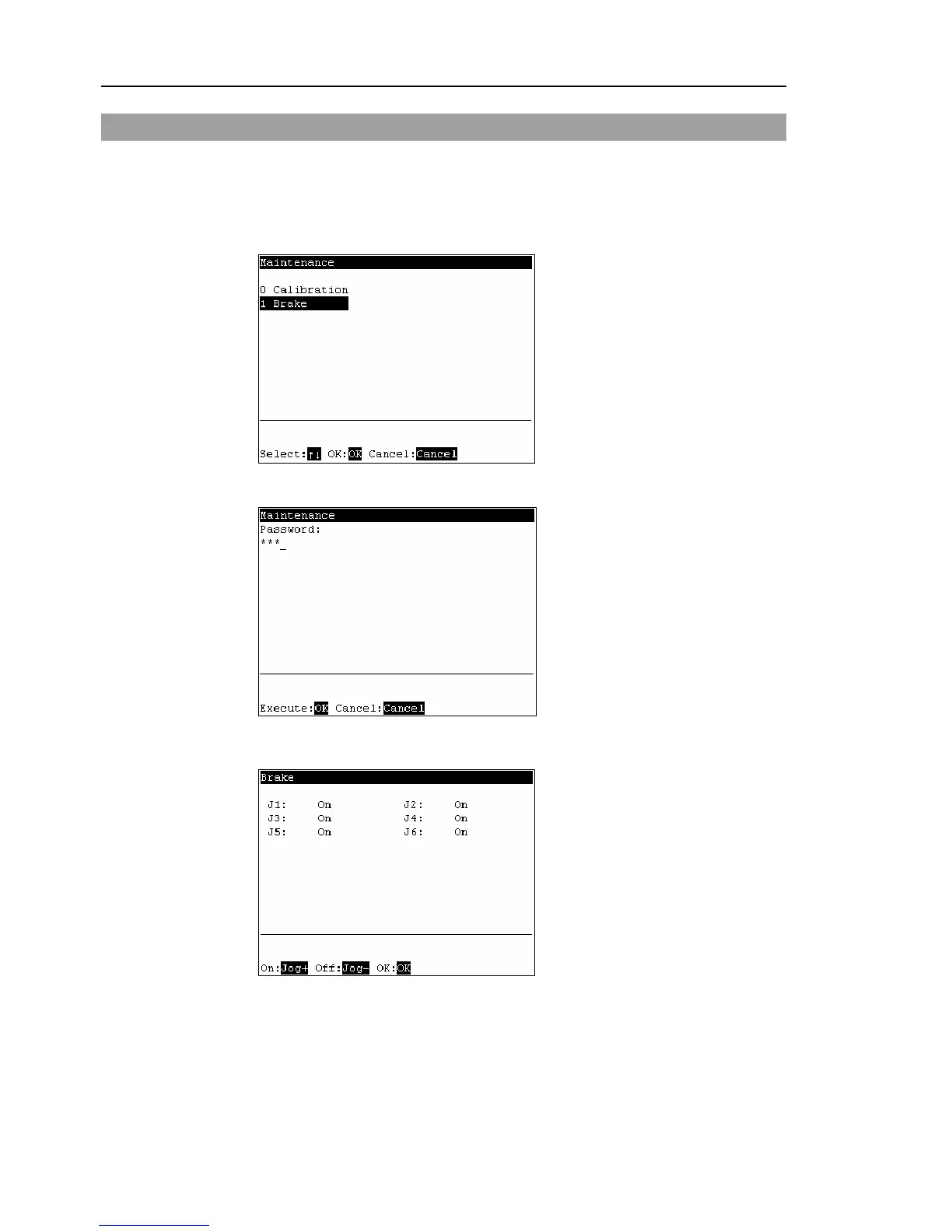
This section indicates the brake ON / OFF switching for each joint.
(1)
Press the <F8> key in the [Jog&Teach] screen.
(2)
The following screen appears.
Move the cursor to “1 Brake” and press the <OK> key.
The following screen appears when the password is set up.
Enter the password (1 to 16 characters) and press the <OK> key.
For password setting, refer to Operation 4. Password Setup.
(3)
The following screen appears.



 To Next Page