Operation 2. TEACH Mode
TP1 Rev.5 67
To turn the brake ON
(4)
Press the <Jog+> key of the joint whose brake On/Off setting is to be switched.
(5)
Press the <OK> key. The brake is locked.
To turn the brake OFF
(4)
Press the <Jog-> key of the joint whose brake On/Off setting is to be switched.
(5)
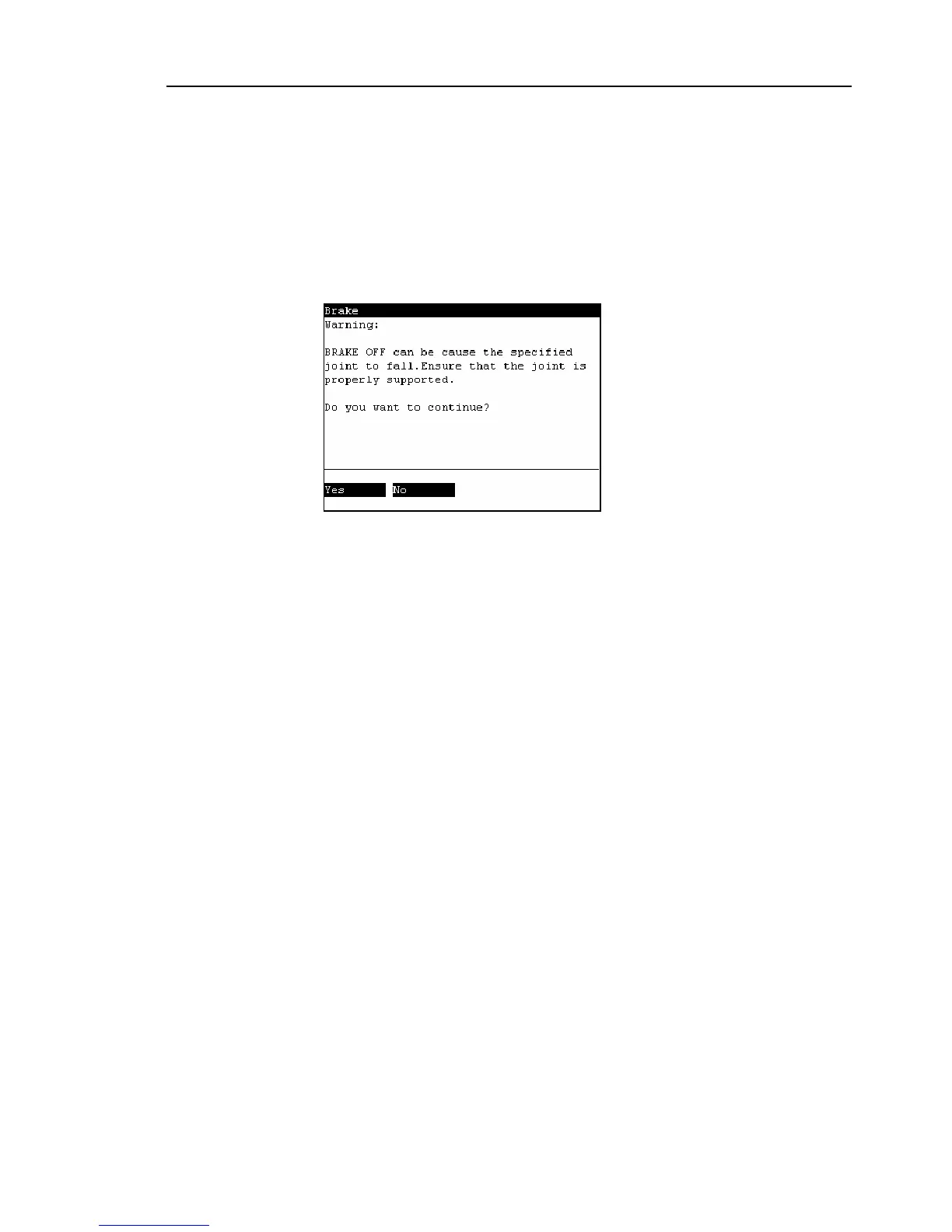
The brake Off confirmation message appears. Confirm the message and press the
<F1> key.
(6)
The brake is released, and the specified joint moves manually.



 To Next Page