Operation 3. AUTO Mode
TP1 Rev.5 81
3.6.2 Building Projects
Follow the procedure below to build projects.
(1)
In the [Program Mode] screen, move the cursor to [1 Build Project...], and press the
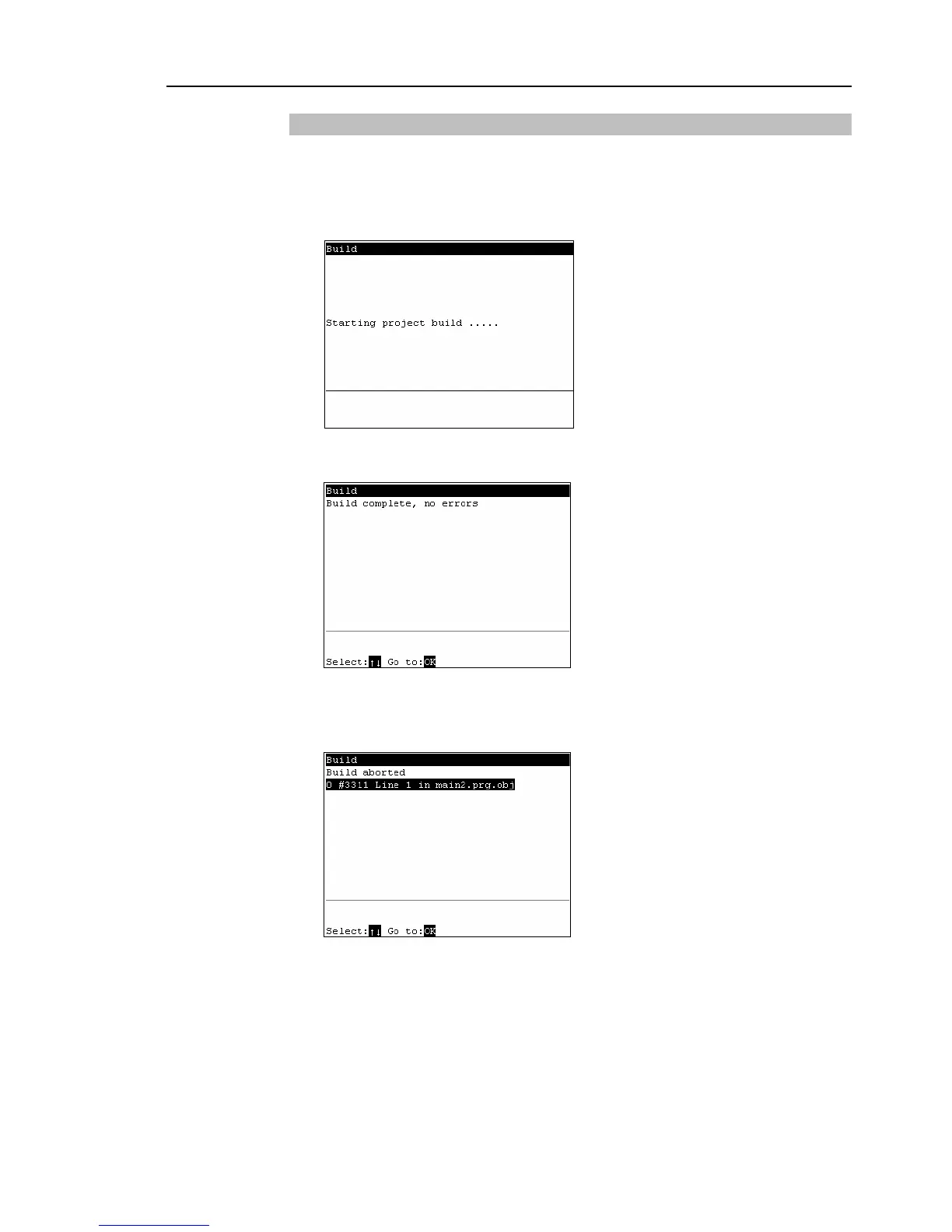
<OK> key. Building of the project is started. The following screen appears
during execution.
(2)
When building is successful
The following screen appears after the project building is successfully completed.
When building fails
The error message list appears.
Move the cursor to the desired error, and press the <OK> key.
The file with the error appears, and the error line is indicated by the cursor.



 To Next Page