Operation 3. AUTO Mode
80 TP1 Rev.5
Jumping to a specified line in the program
(1)
Move the cursor to “Line”, and press the <Enter> key.
(2)
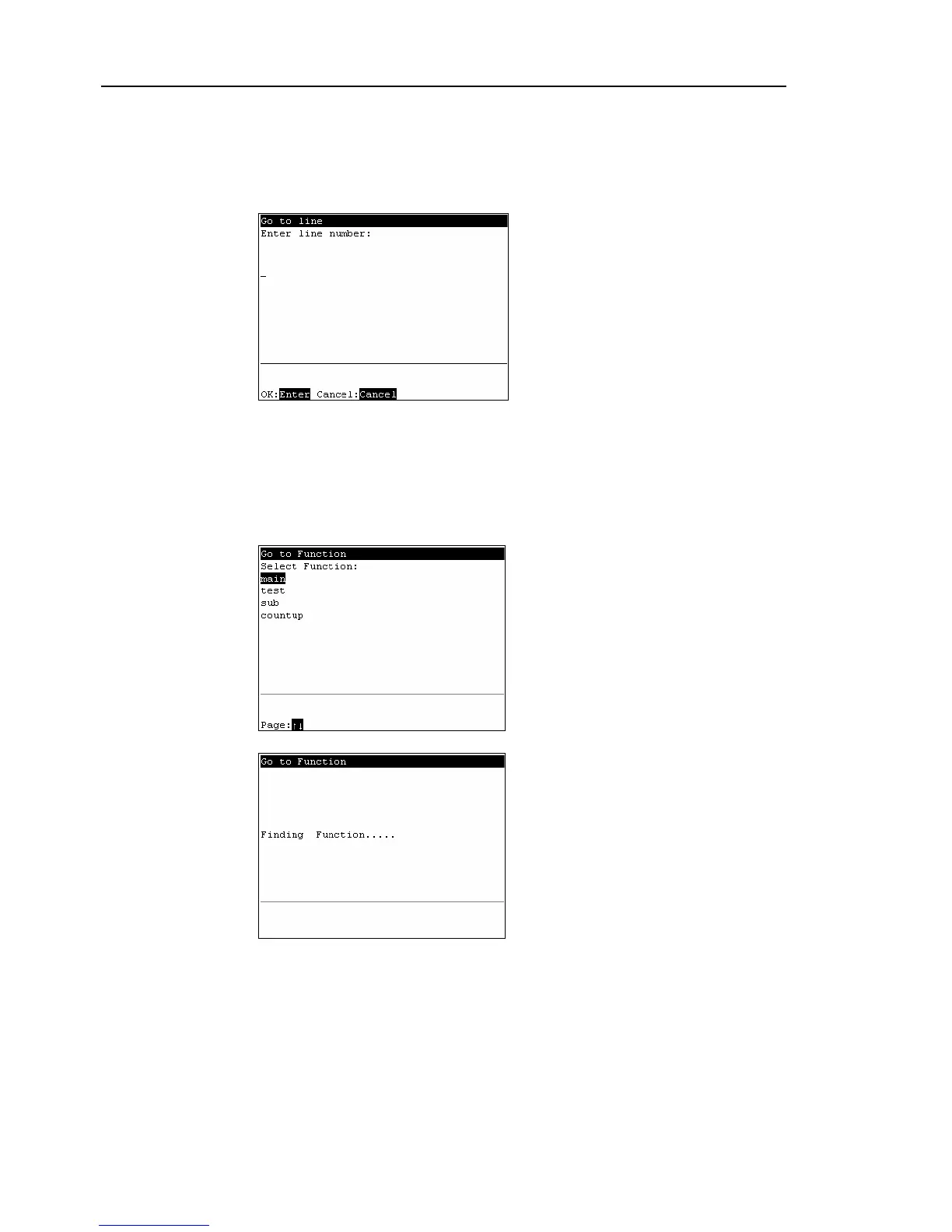
The following screen appears.
Enter a numerical value at [Enter line number] to specify the line number.
(3)
Move the cursor to the specified line.
Jumping to a “function” in the program file
(1)
Move the cursor to [Function], and press the <Enter> key.
(2)
The following screen appears.
Move the cursor to the desired “function” and press the <OK> key.
The following screen appears during execution.
(3)
The specified “function” screen appears.



 To Next Page