Operation 3. AUTO Mode
TP1 Rev.5 79
Search character strings
Search for character strings in the program.
(1)
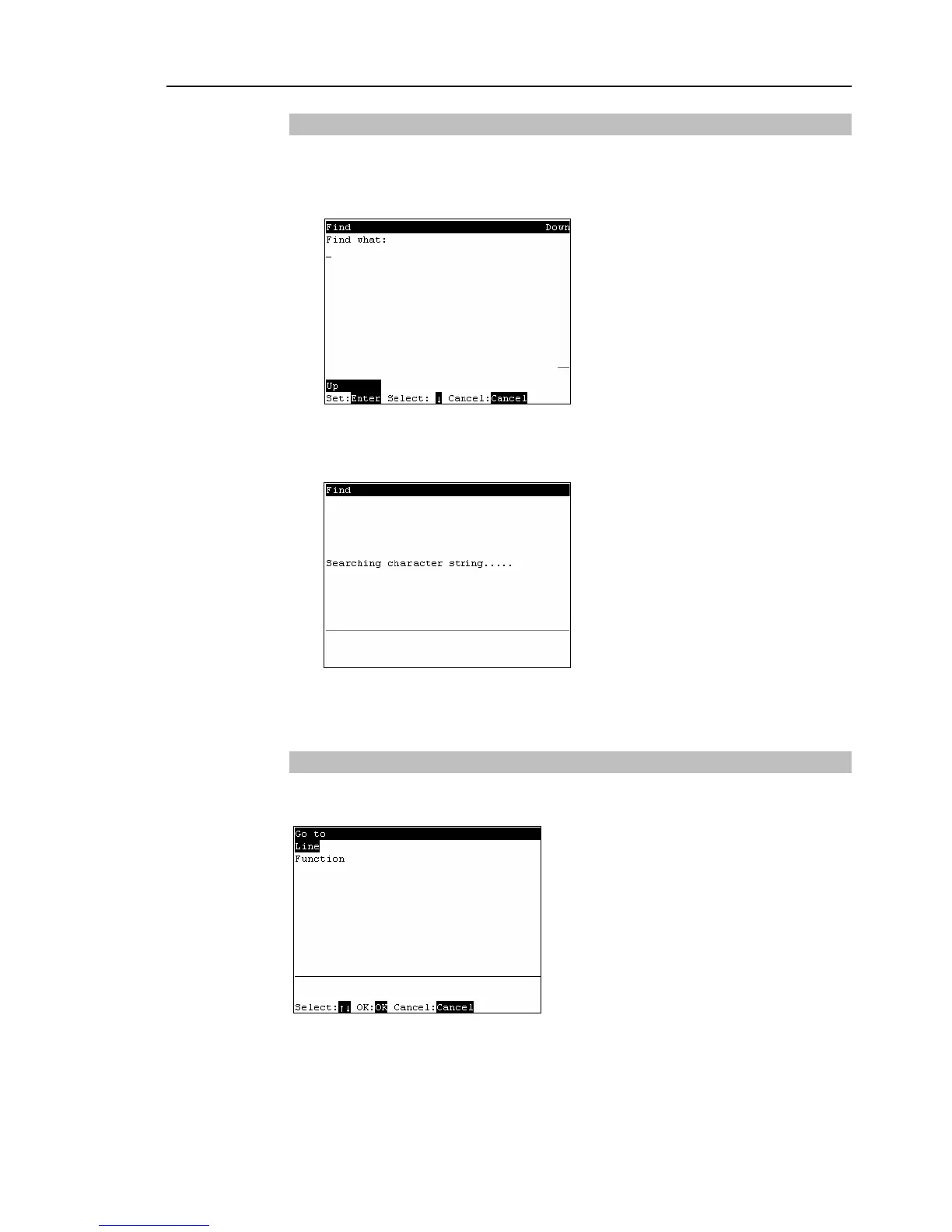
Press the <F3> key. The following screen appears.
Enter the character string to search, and press the <Enter> key.
<
↓
>
Displays a list of search text strings.
<F1>
Changes the search order (descending, ascending).
The following screen appears during the search.
(2)
If the character string is found, the cursor moves to the start of that character string.
If the character string is not found, the cursor position does not change.
Jump
This section describes settings that can be made in the [Go to] screen.
In the program edit screen, press the <F4> key. The following screen appears.



 To Next Page