Operation 3. AUTO Mode
TP1 Rev.5 75
3.6.1 Open Programs
(1)
In the [Program Mode] screen, move the cursor to [0 Open Program...], and press the
<OK> key.
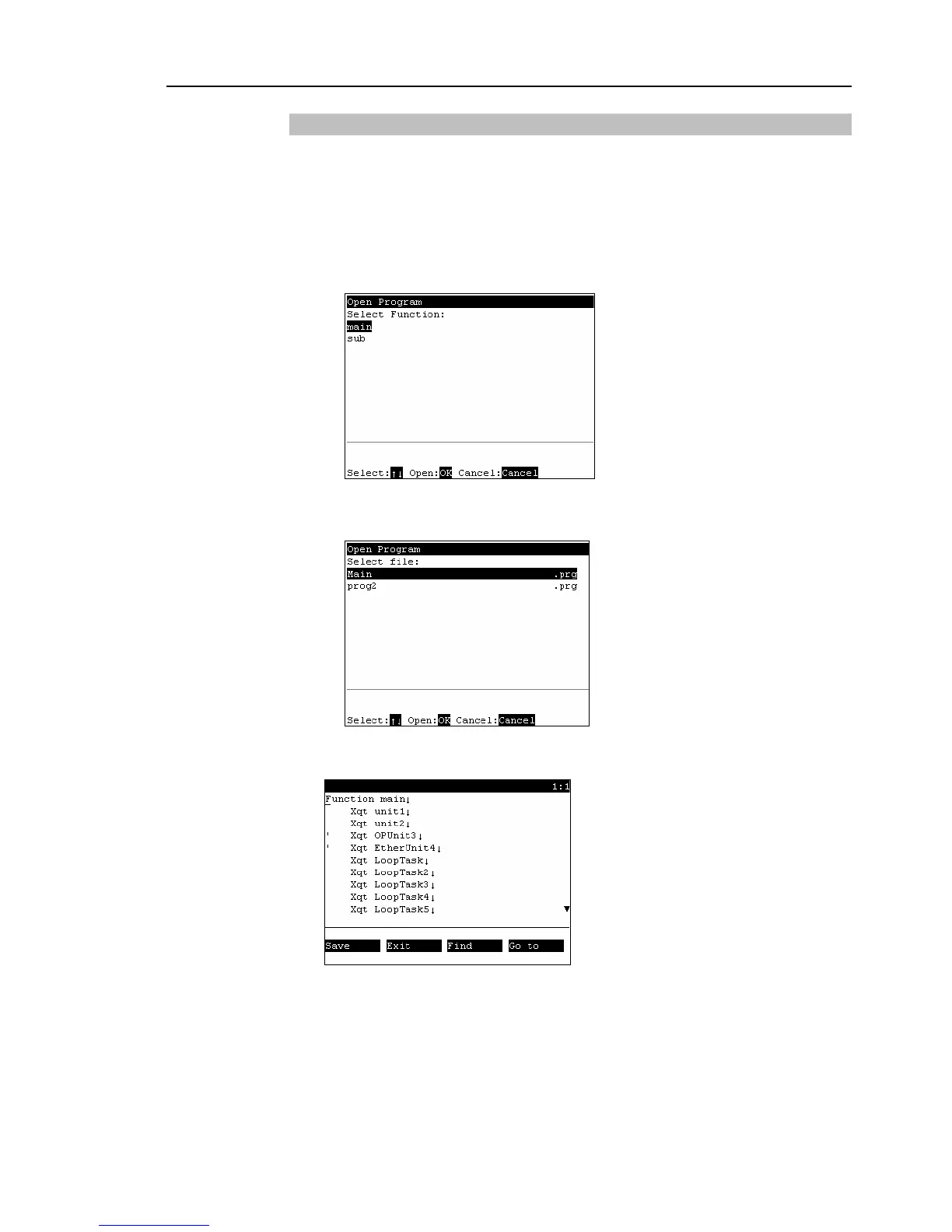
The screen that appears next differs according to the number of files that are
currently saved.
When there is only one file
Select the “function” and press the <OK> key to open the file.
When there are two or more files
Select the file, and press the <OK> key to open the file.
(2)
The following screen appears.
Program edit screen (example)



 To Next Page