Functions & Installation 5. Operation Panel (Key Description)
TP1 Rev.5 21
Arrow Keys
Mode switches by turning ON/OFF the “F5-8” lamp.
Press the <F1-4 / F5-8> key to turn ON/OFF the “F5-8” lamp.
F5-8 Mode Key Function
↑
+1 the value
Move the cursor up
↓
−1 the value
Move the cursor down
←
Move the cursor to the left
OFF Normal mode
→
Move the cursor to the right
<<
+10 the value
Move to previous page
>>
−10 the value
Move to next page
<< High speed cursor motion to the left
ON Scroll mode
>> High speed cursor motion to the right
Function Keys
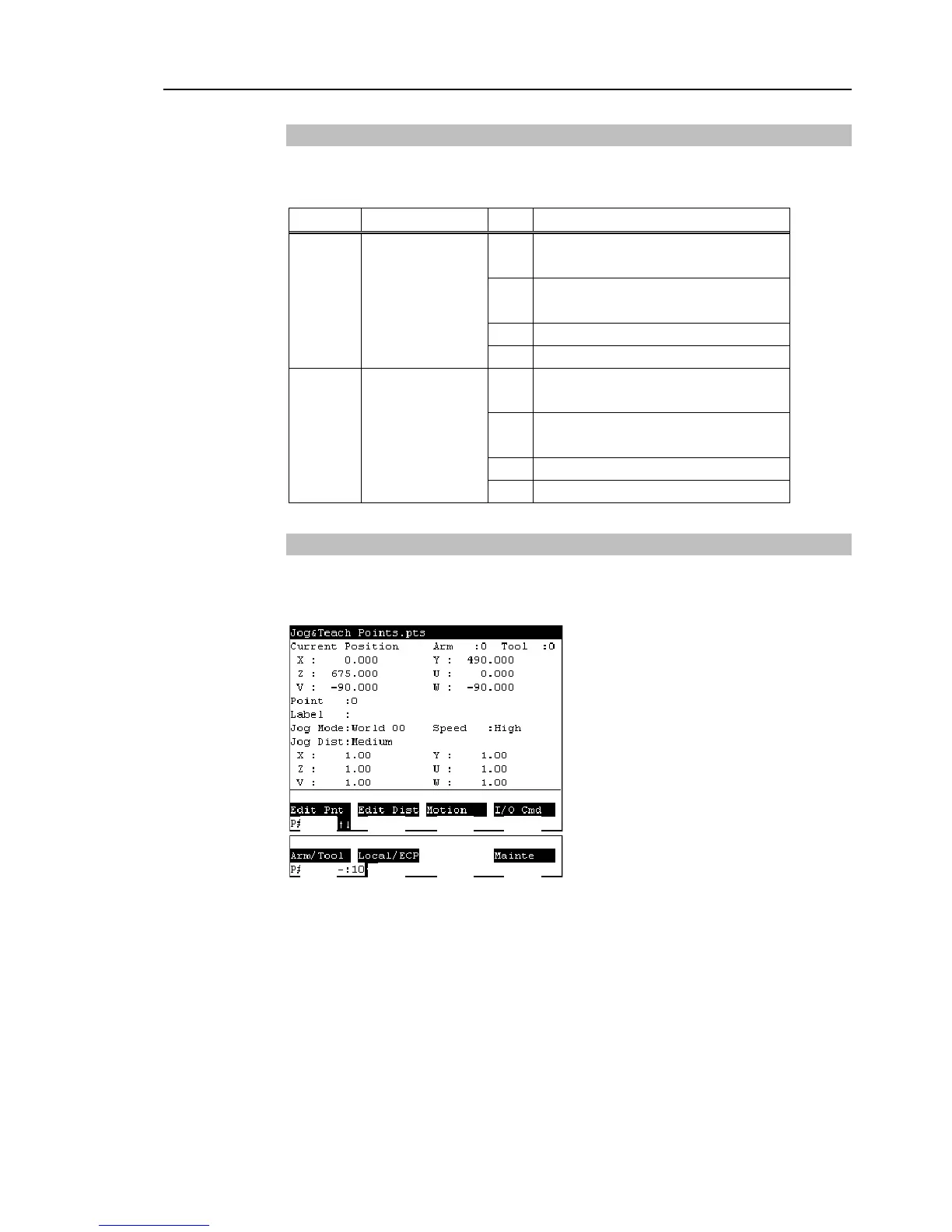
Press the <F5-8> key to turn ON/OFF the “F5-8” lamp. The display changes.
Example : Jog&Teach Screen
<F1> <F2> <F3> <F4>
“F5-8” OFF
“F5-8” ON
<F5> <F6> <F7> <F8>
Example : Press the <F3> key to display the Motion screen.
When a function key is not assigned to a screen, the key is invalid. Example : <F7>



 To Next Page