Operation 3. AUTO Mode
96 TP1 Rev.5
3.7 Backup / Restore
Normally, the following settings are made in the program mode after the password is
entered:
- Project Backup / Restore
- System Backup / Restore
- File Import / Export
Items that are set as “Yes” (execution in the main menu “enabled”) at “Enabling
execution in the main menu” can be set.
(1)
In the [Main Menu] screen, move the cursor to [6 Backup / Restore...], and press the
<OK> key.
(2)
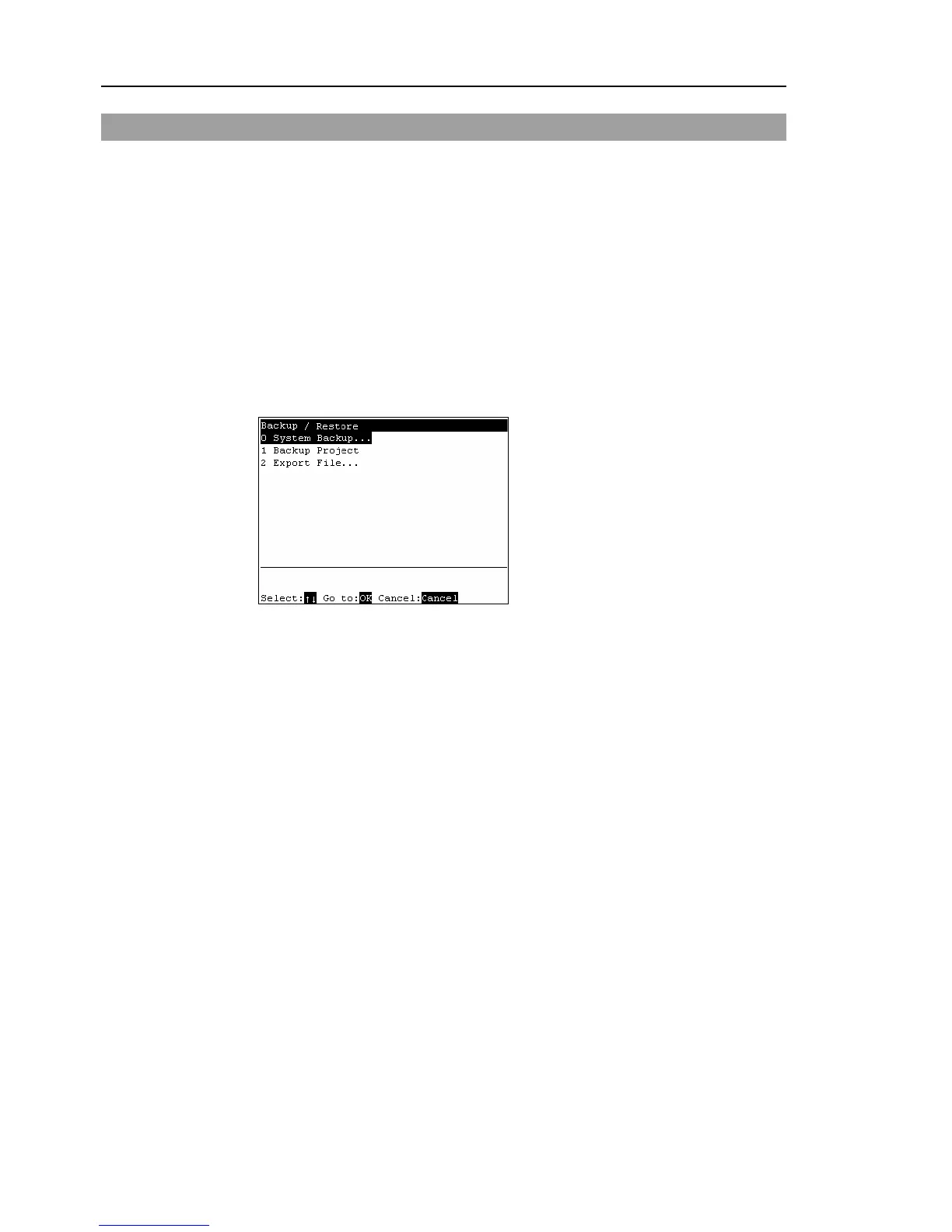
The following screen appears.
[Backup / Restore] screen (example)
(3)
Move the cursor to the desired item, and press the <OK> key.
(4)
Set each item.
Project backup ............................... Operation 3.6.3 Backup Projects
Restoring projects.......................... Operation 3.6.4 Restore Projects
Importing files ............................... Operation 3.6.5 Import Files
File export...................................... Operation 3.6.6 Export Files
System backup............................... Operation 3.6.7 Backup System
System restore................................ Operation 3.6.8 Restore System



 To Next Page