Operation 3. AUTO Mode
98 TP1 Rev.5
3.10 Adjust Brightness and Contrast
(1)
In the [Main Menu] screen, move the cursor to [9 Brightness / Contrast], and press
the <OK> key.
(2)
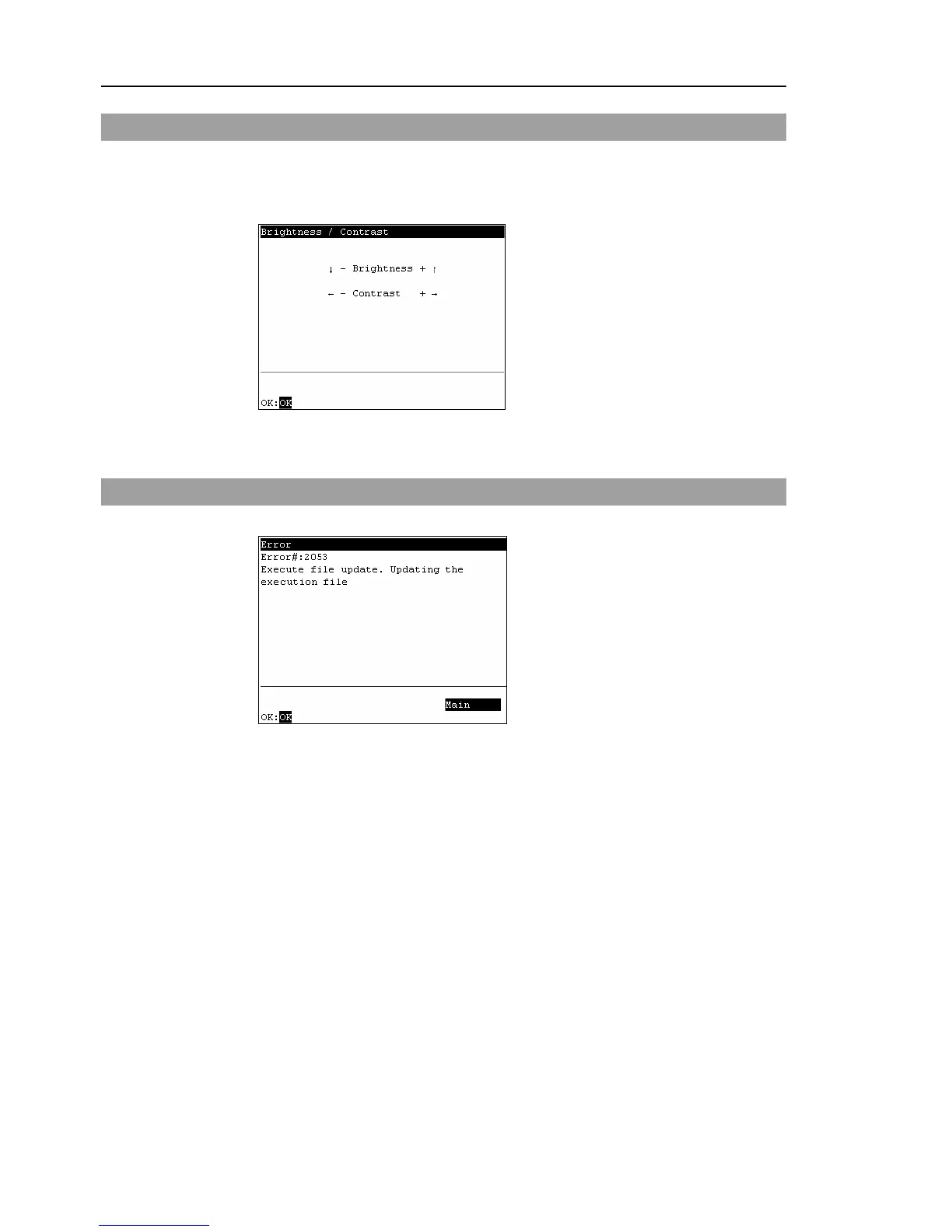
The following screen appears. Press the <OK> key to apply the setting.
<
↓
><
↑
>
These arrow keys can adjust the brightness.
<
←
><
→
>
These arrow keys can adjust the contrast.
3.11 Error Messages
The following screen appears when an error occurs.
<F4>
Moves to the [Main Menu].
<OK>
Moves to the screen before the error occurred.



 To Next Page