Operation 3. AUTO Mode
78 TP1 Rev.5
Save programs
Save programs after editing the programs.
(1)
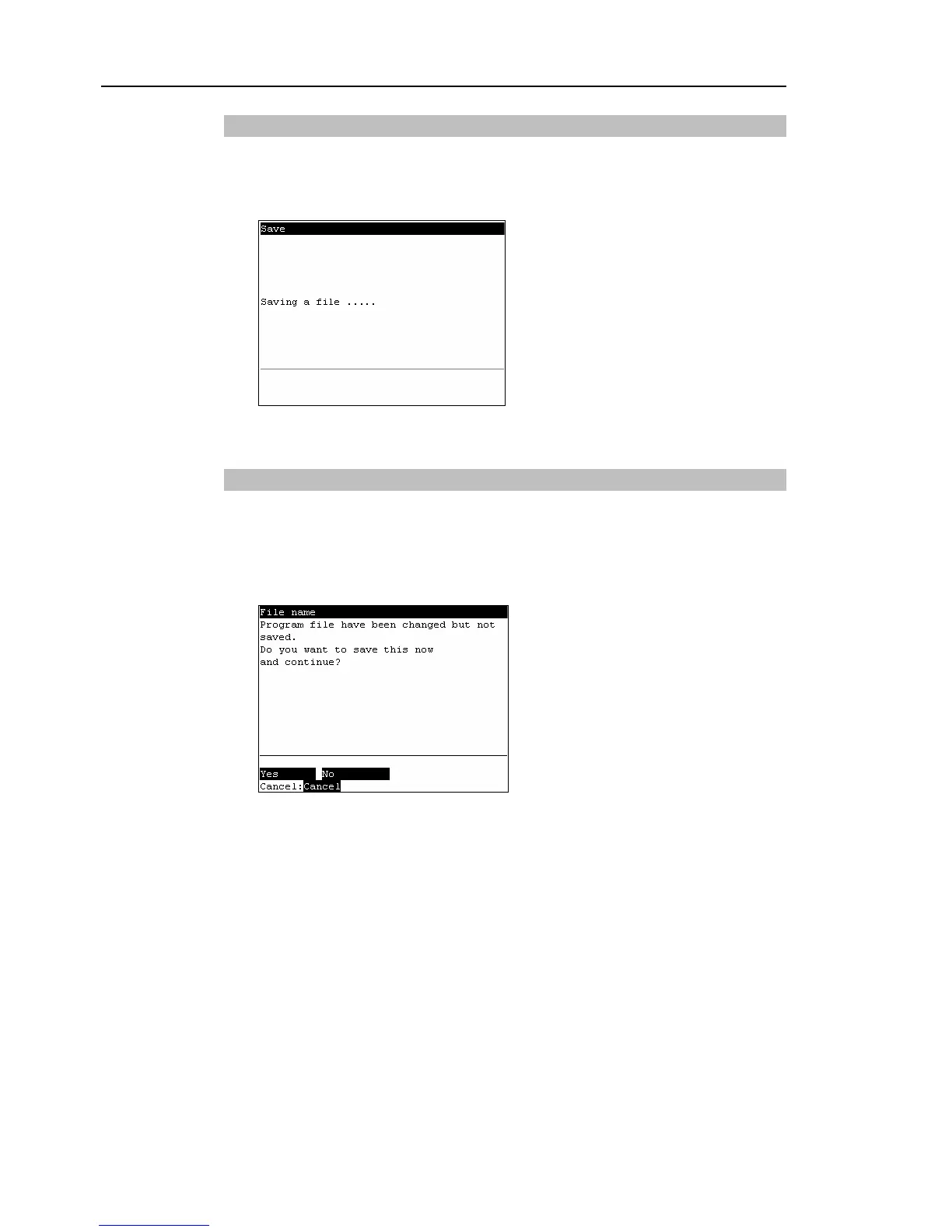
Press the <F1> key to save the program file. The following screen appears during
saving the program file.
(2)
After the save ends, the screen returns to the program edit screen.
Exiting program edit
Finish editing the program.
(1)
Press the <F2> key to exit the program file.
(2)
After the save ends, the screen returns to the program edit screen.
The following screen appears when the program file has been changed but not saved.
<F1>
Saves the file, and returns to the program edit screen.
<F2>
Returns to the [Program Mode] screen without saving the changes of the progra



 To Next Page