Operation 3. AUTO Mode
TP1 Rev.5 77
(3)
Enter “170”.
Press the <Alph / Num> key to turn “Alph” OFF.
Press the <Space / 1> key once.
Press the <PQRS / 7> key once.
Press the <Sym / 0> key once.
How to enter symbols
(1)
Press the <Alph / Num> key to light “Alph”.
(2)
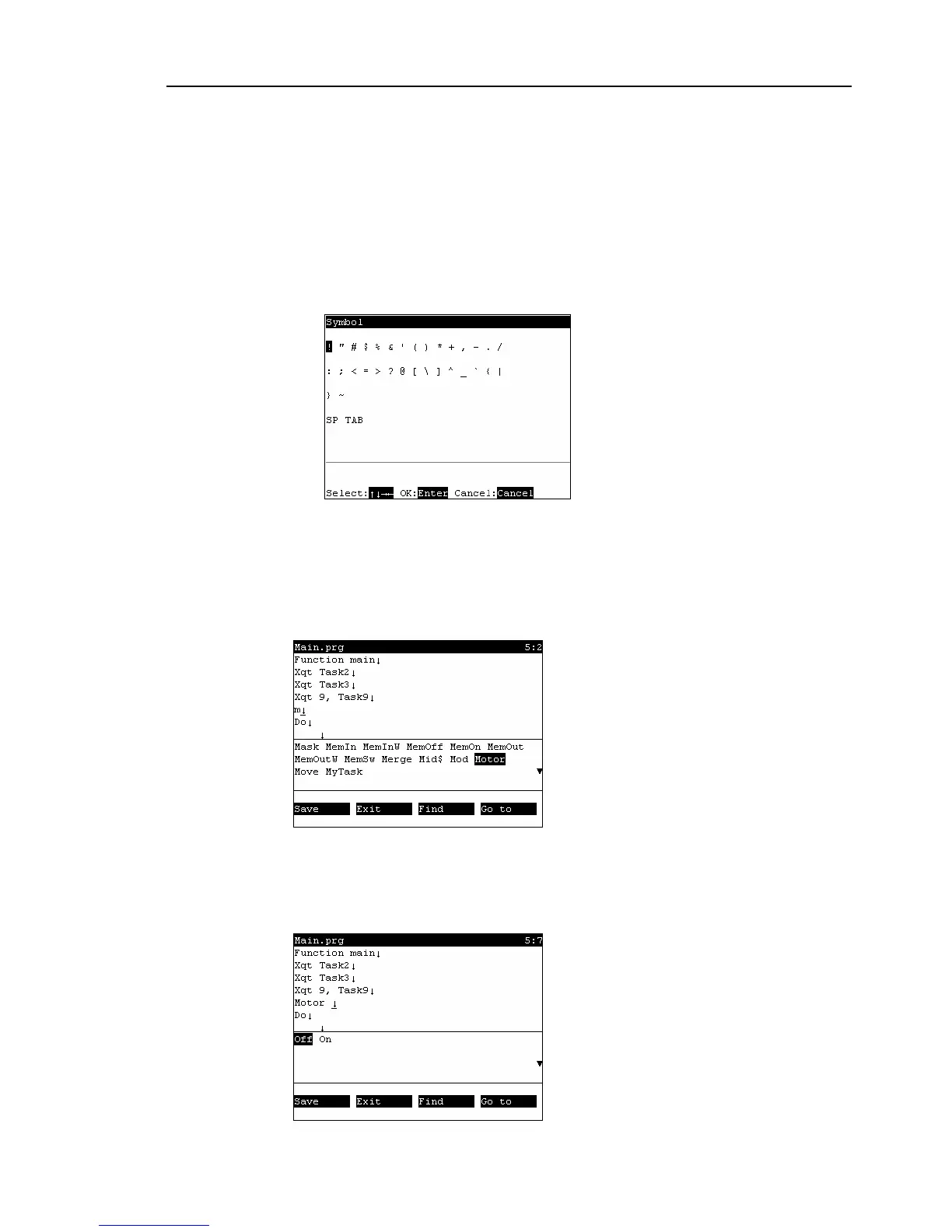
Press the <Sym /0> key to display the following screen.
(3)
Select the symbol, and press the <Enter> key.
Entering text using key words
Candidate command statements are anticipated and displayed from text that is currently
being entered. Move the cursor, select the desired command statement, and press the
<Enter> key.
Entering text using syntax help
If you enter a space ( ) , . = > following a specific command statement, such as
“MOTOR” or “POWER”, candidate characters to enter appear.
Move the cursor, select the desired character, and press the <Enter> key.



 To Next Page