Operation 2. TEACH Mode
TP1 Rev.5 51
(3)
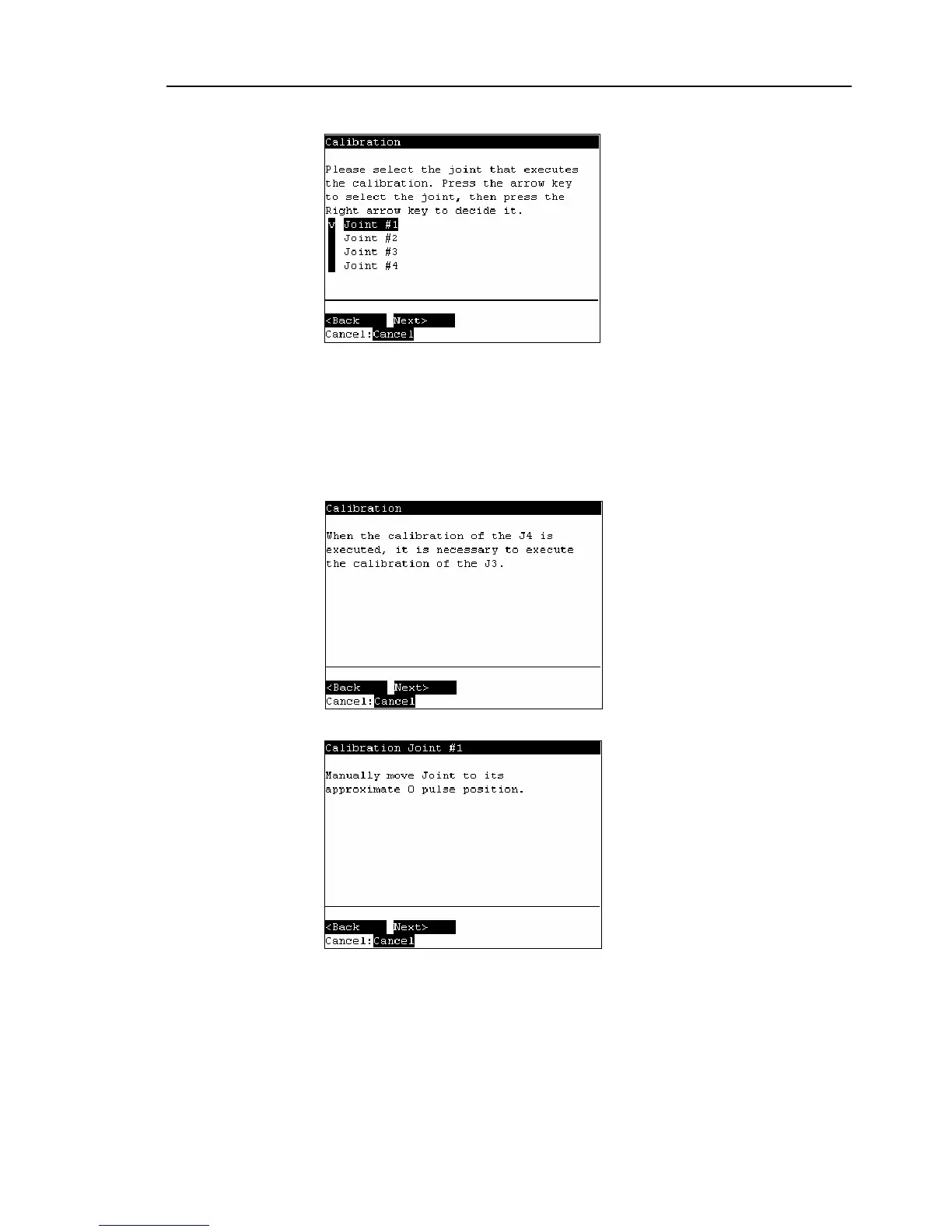
The following screen appears.
Move the cursor to the joint to calibrate. Press the <→> key to select the joint and
press the <F2> key.
<→> key : Joint selection
<←> key : Joint selection reset
The following screen appears when selection Joint #4 and Joint #3 is selected
automatically.
(4)
The following screen appears.



 To Next Page