Operation 2. TEACH Mode
54 TP1 Rev.5
(9)
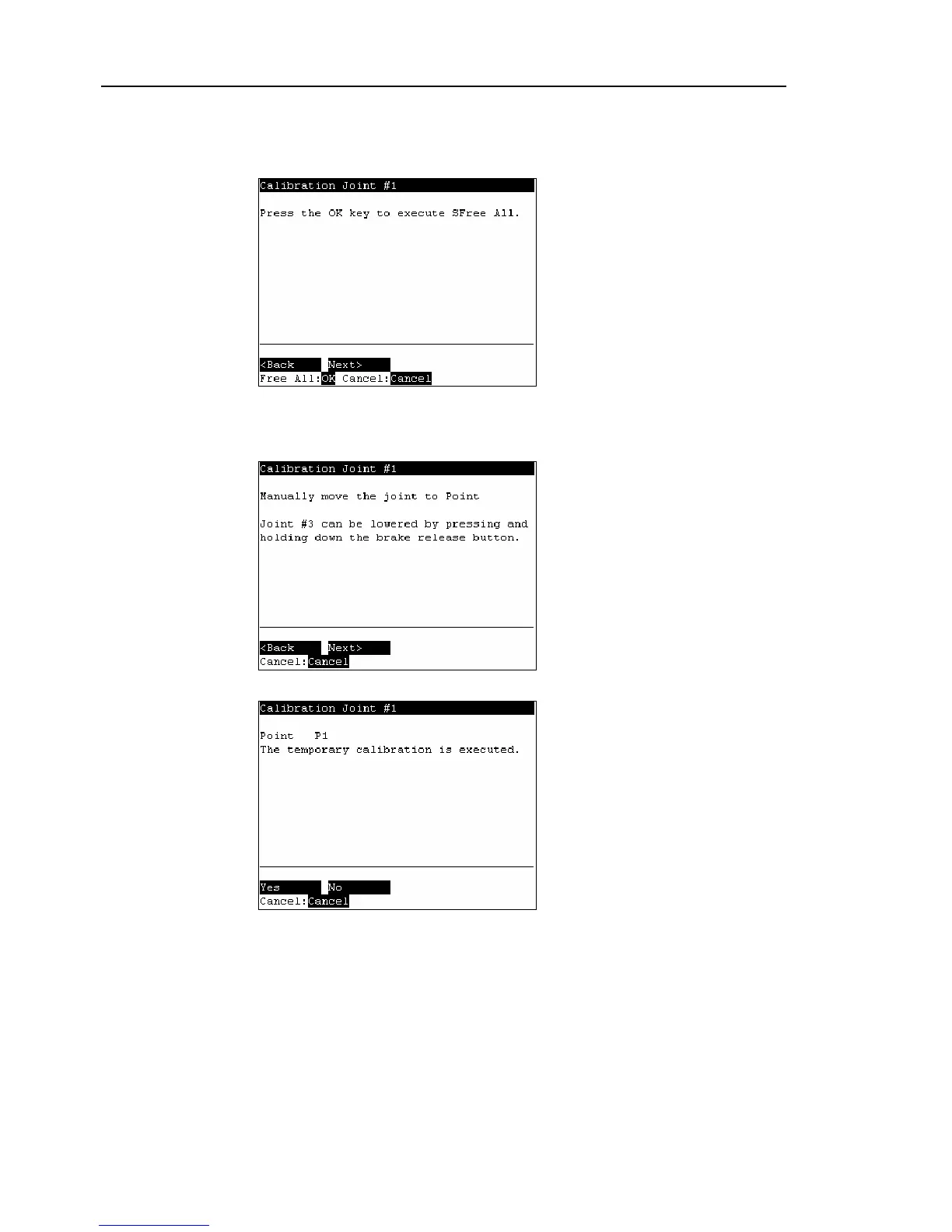
The following screen appears. Press the <OK> key to stop the servo control for all
joints to enable the joints to be moved manually.
Press the <F2> key to display the following screen.
(10)
The following screen appears. Manually move and position the joint that needs
origin alignment while pushing the Joint #3 brake release button and lowering Joint
#3. Press the <F2> key.
(11)
The following screen appears. Press the <F1> key to execute temporary calibration.



 To Next Page