Operation 2. TEACH Mode
56 TP1 Rev.5
(13)
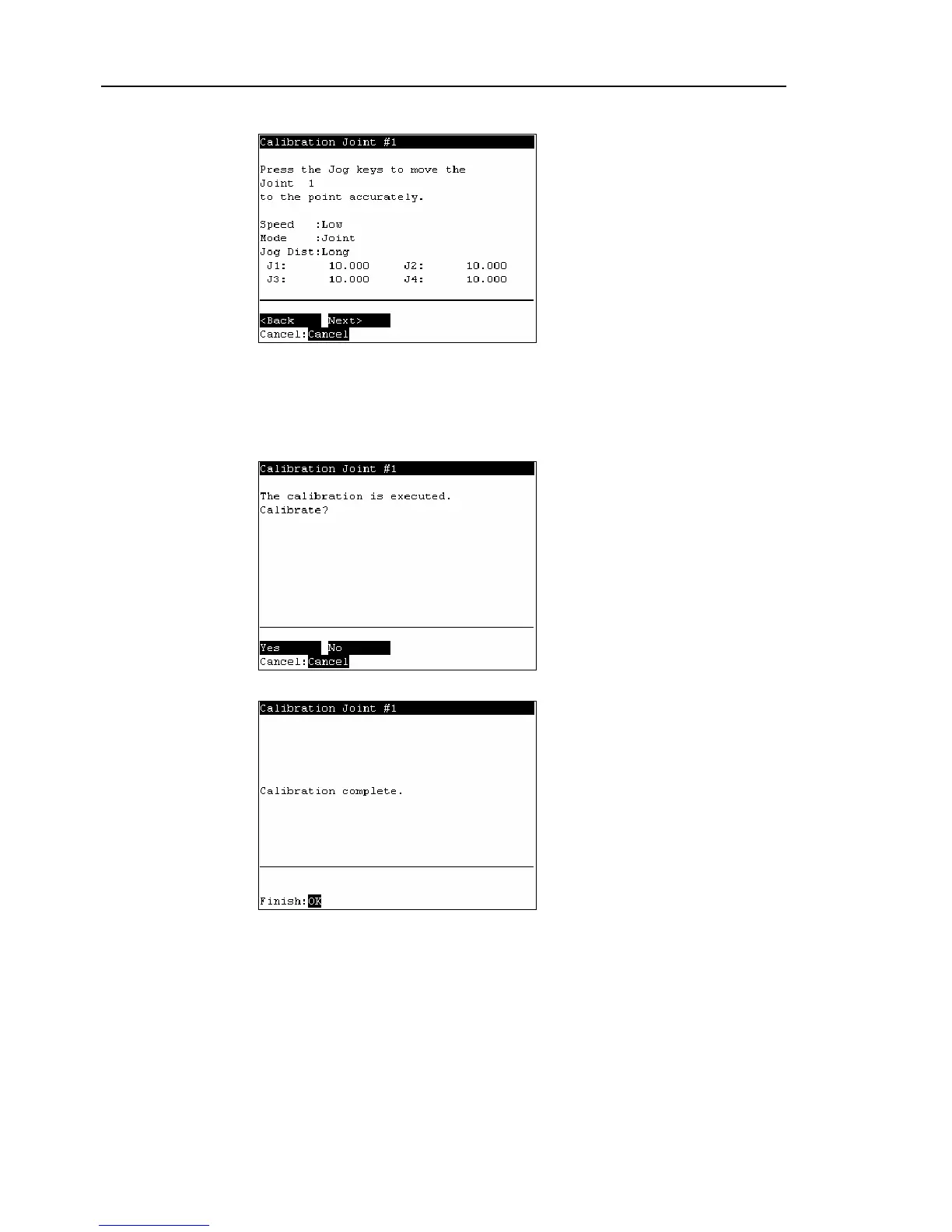
The following screen appears after Go P1 execution.
Set the calibrated joints to the selected point data position accurately by the jog
motion.
Press the Jog key to move the joint to the basic pose as accurate as possible.
Press the <F2> key.
(14)
The following screen appears. Press the <F1> key.
(15)
The origin calibration completed screen appears.
For righty or lefty setting, refer to 2.7.3 Setting Righty / Lefty.
)
NOTE



 To Next Page