Operation 2. TEACH Mode
58 TP1 Rev.5
(4)
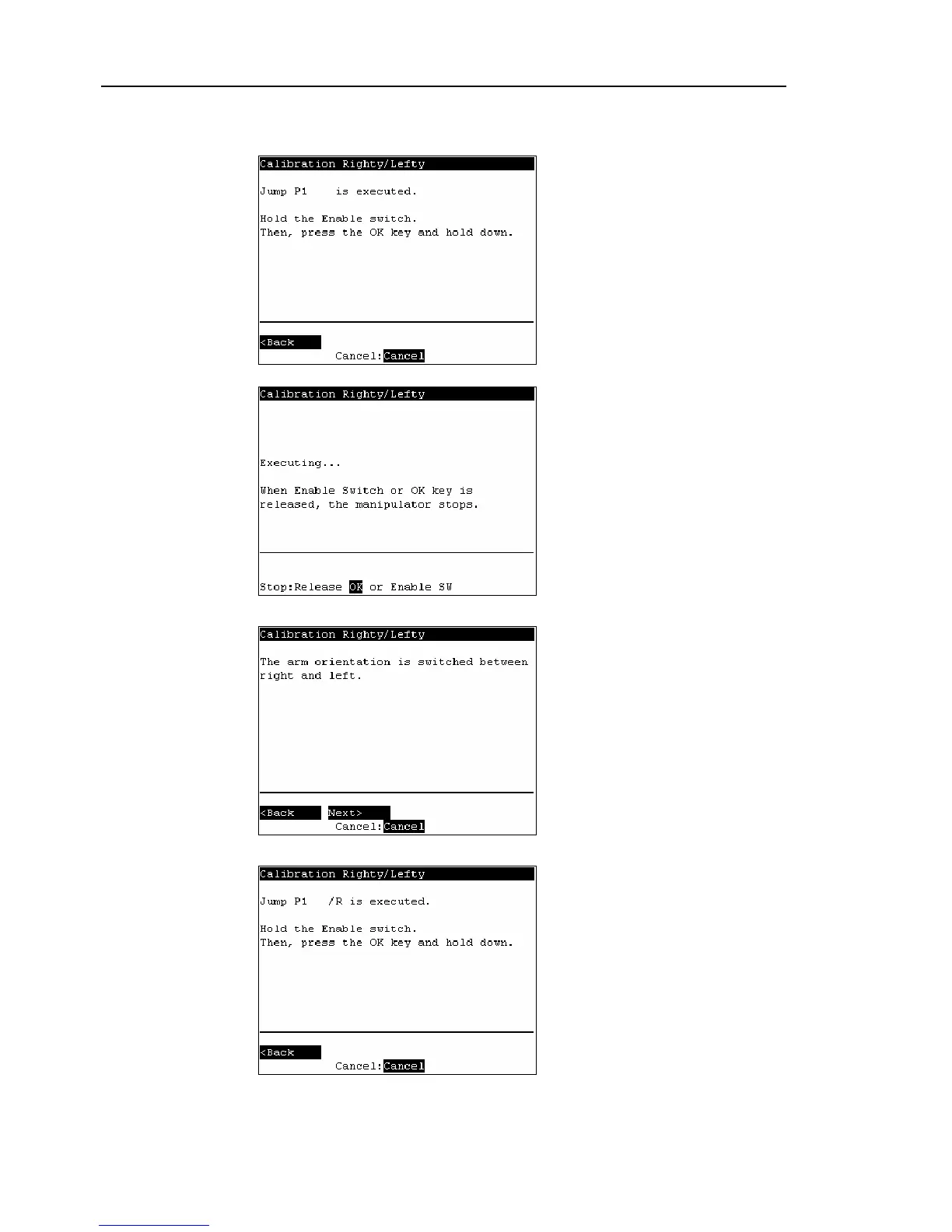
Continue to press the <OK> key with the enable switch held down to execute Jump
P1.
The following screen appears during Jump P1 execution.
(5)
The following screen appears after Jump P1 execution. Press the <F2> key.
(6)
The following screen appears.
Switch the arm orientation between right and left and move to the same point.
Press the <OK> key while gripping the enable switch to execute Jump P1.



 To Next Page