6 • Working with ERBECRYO 2
52 / 80
80113-401_V24023
2023-05
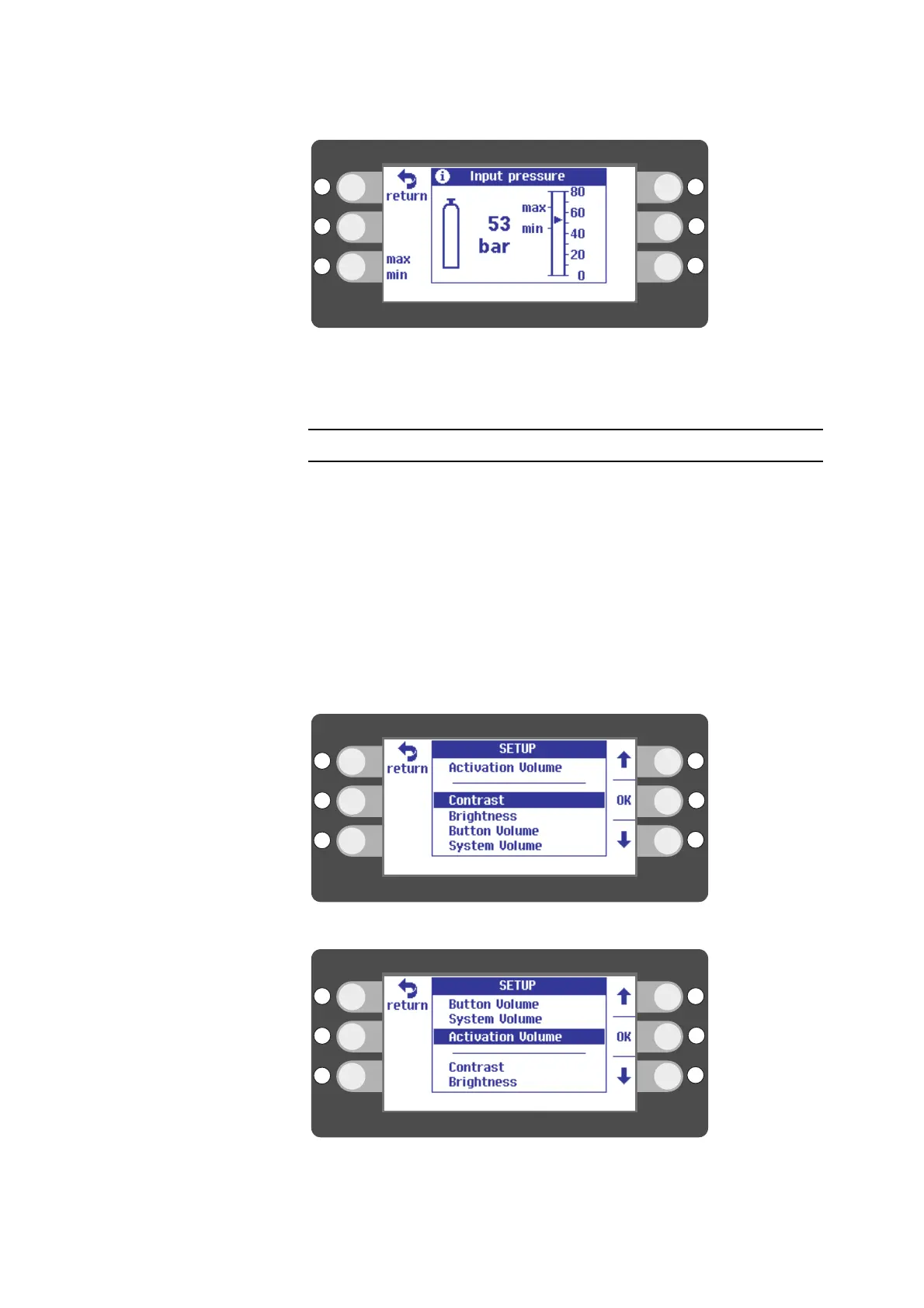
Fig. 6-36
3. Press the selection button next to return to go back to the main screen.
Calling up setup
In SETUP you can adapt some of the unit's parameters to suit your requirements. You
can, for example, adjust the unit to the light conditions in the room.
1. Press the selection button next to the tool icon.
2. Press the selection button next to SETUP.
3. Select a setup setting that you would like to change with the selection buttons
next to the up/down arrows.
4. Press the selection button next to OK.
5. Select a setting with the selection buttons next to the up/down arrows.
6. Press the selection button next to return to go back to the main screen.
Fig. 6-37
Fig. 6-38



 To Next Page