6 • Working with ERBECRYO 2
44 / 80
80113-401_V24023
2023-05
Freezing, thawing
Freezing
1. Position the instrument.
Fig. 6-9
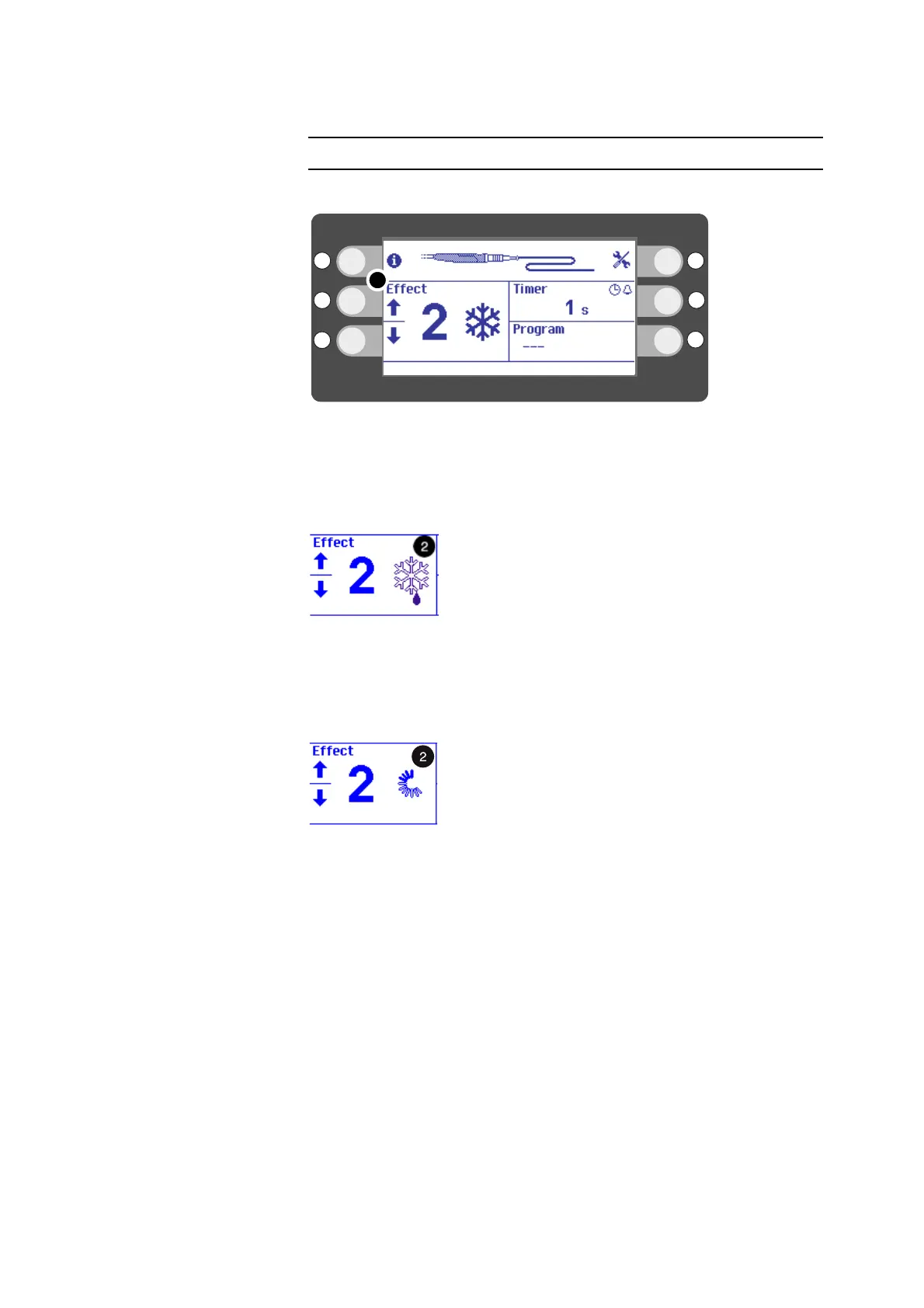
2. Press the footswitch. With the footswitch pressed, you activate Freeze mode. In
segment (2) of the display you will see the freeze icon (Freeze mode).
3. Note the selected timer setting with the optical and acoustic signals in each case.
Thawing
Fig. 6-10
1. Release the footswitch. In segment (2) of the display you will see the thaw icon
(Thaw mode) for instruments that can be thawed.
2. If required, you can interrupt the thawing phase and activate freezing.
Bleed-off
Fig. 6-11
Following the thawing phase, the unit performs bleed-off. In segment (2) of the dis-
play you will see the bleed-off icon (Bleed mode). The gas escapes from the system. If
required, you can interrupt the bleed-off phase and activate freezing.



 To Next Page