− 26 −
bi24d1ea
It is possible to store up to 255 sets of weld data in the control panel. Each set is
given a number from 1 to 255.
You can also delete, copy, change and name data sets and recall a set of weld data
to the working memory.
7.2 Store
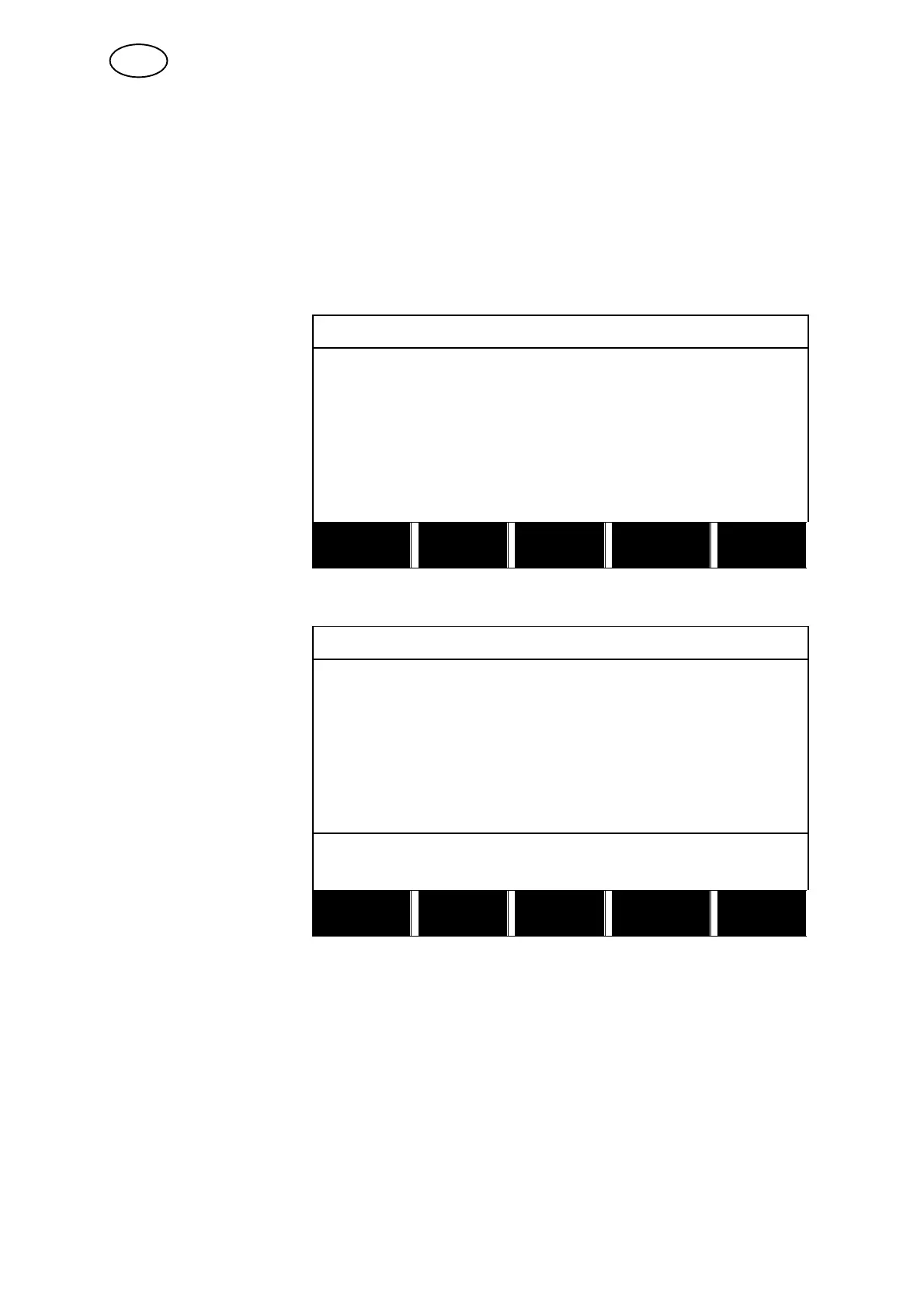
If the weld data memory is empty, the following screen appears in the display.
We are now going to
store a set of weld
data. It will have mem-
ory position 5. Mark
row five using the posi-
tioning knob. Press
STORE.
WELD DATA MEMORY
1 −
2 −
3 −
4 −
5 −
6 −
7 −
STORE
2ND
FUNCT QUIT
The following screen appears in the display.
The weld data set is
now stored as number
5.
WELD DATA MEMORY
1 −
2 −
3 −
4 −
5 − (SAW)
6 −
7 −
SAW: CA: FE SOLID: 3.0 mm
30.0 V: 450 A: 50 cm/min
STORE RECALL
DELETE
2ND
FUNCT QUIT
Parts of the content of weld data set number 5 are presented at the bottom of the
display.
GB



 To Next Page