− 34 −
bi24d1ea
8.2 General settings
Main menu Configuration menu General settings
In this menu you can set:
S Fast mode soft keys, see chapter 8.2.1
S Quality data log to file, see chapter 8.2.2
S Setting soft keys, see chapter 8.2.3
S Automatic weld data storage, see chapter 8.2.4
S Unit of length, see chapter 1.2.2 “unit of measurement”
8.2.1 Fast mode soft keys
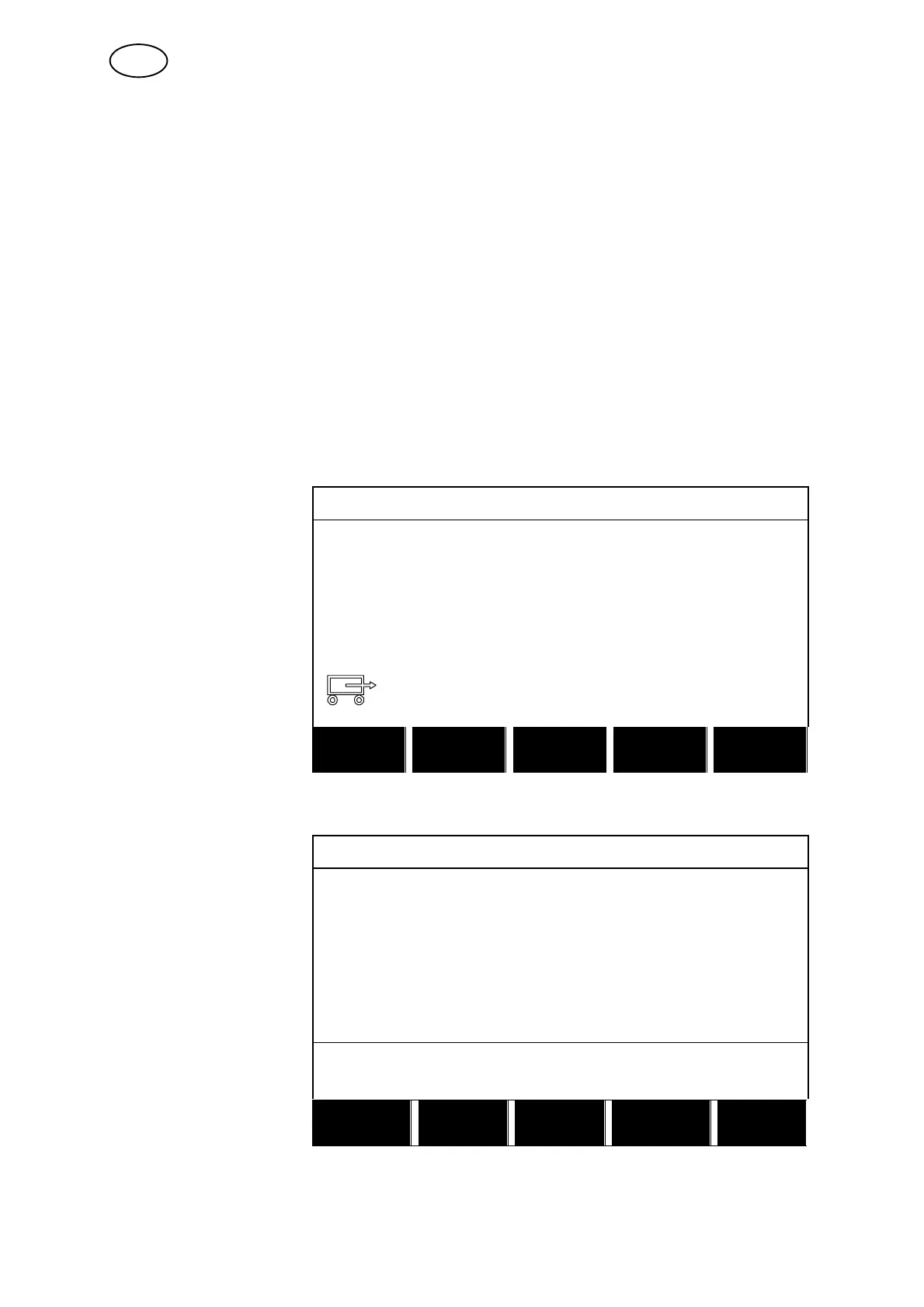
The soft keys WELD DATA 1 up to and including WELD DATA 4 are displayed in the
fast mode menu.
SAW: CA 16
A 450 Amp
V 30.0 Volt
50 cm/min
WELD
DATA 1
WELD
DATA 2
WELD
DATA 3
WELD
DATA 4
2ND
FUNCT
These are configured as follows:
Position the cursor on
the row for SOFT KEY
NUMBER.
FAST MODE SOFT KEYS
SOFT KEY NUMBER 1
ASSOCIATED WELD DATA 5
SAW: CA: FE SOLID: 0.8 mm
20.0 V: 500 A: 0 cm/min
STORE
DELETE QUIT
The keys are numbered 1−4 from left to right. Select the desired key by giving its
number using the setting knobs.
GB



 To Next Page