− 36 −
bi24d1ea
When you allocate functions to these keys, they are numbered from the left as
follows:
S1 S2 S3 S4
2ND
FUNCT
S1 2ND
FUNCT
S2 2ND
FUNCT
S3 2ND
FUNCT
S4 2ND
FUNCT
2ND
FUNCT
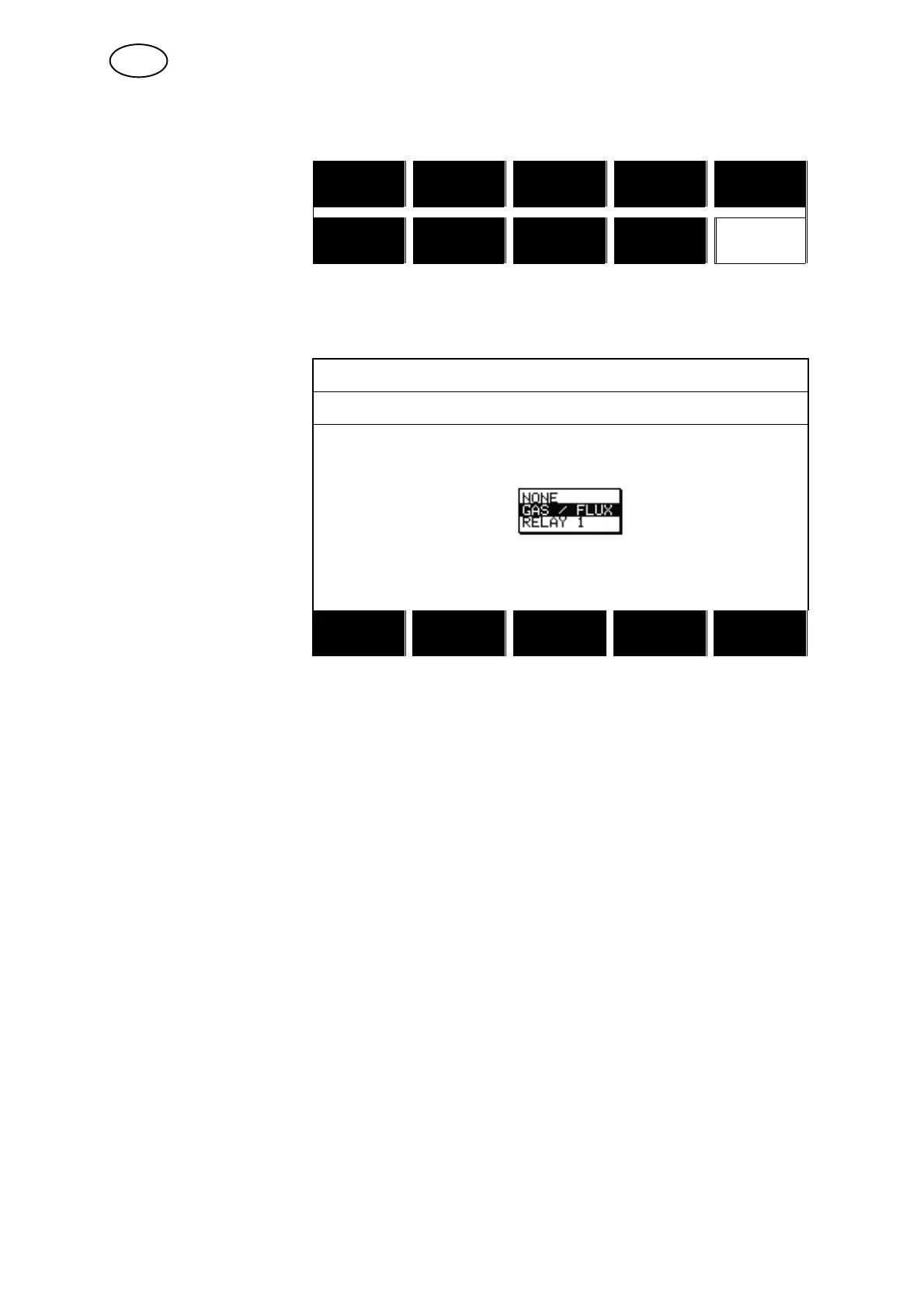
To allocate a new function to a soft key, proceed as follows:
Position the cursor on
the row with the soft
key number you wish to
use and press ENTER.
A pop−up menu shows
the function selections.
Select using the posi-
tioning knob and press
ENTER.
SOFT KEYS SETUP
SOFT KEYS FUNCTION
S1 NONE
S2 NONE
S3 NONE
S4 NONE
S1 2ND FUNCT NONE
S2 2ND FUNCT NONE
S3 2ND FUNCT NONE
S4 2ND FUNCT NONE
QUIT
You can allocate new functions to the other keys in the same way, by pairing a key
number in the left−hand column with a function in the right−hand column.
8.2.4 Auto save mode
When a weld data set has been recalled from a memory position in the weld data
memory and you change the settings, the changes will be saved in the working
memory at welding stop in the last recalled memory position.
Saving weld data manually in a memory position disables the next automatic save.
The memory position in which the weld data set is stored is displayed in the top right
corner of the measure screen.
8.3 Machine settings
Main menu Configuration menu Machine settings
In this menu you can set:
S Product code, see chapter 8.3.1
S Wire feed axis, see chapter 8.3.2
S Travel axis, see chapter 8.3.3
S Outer axis, see chapter 8.3.4
S Tandem, see chapter 8.3.5
GB



 To Next Page