− 48 −
bi24d1ea
When the values have been adjusted, press STORE. When asked if the limit value is
to be saved at the selected storage point, press NO or YES. The storage point’s
values can be seen under the line at the bottom.
With the AUTO soft key, the parameters are set automatically according to the most
recently used parameters.
When asked if the limit settings are to be set automatically, press NO or YES and
then STORE if the setting is to be retained.
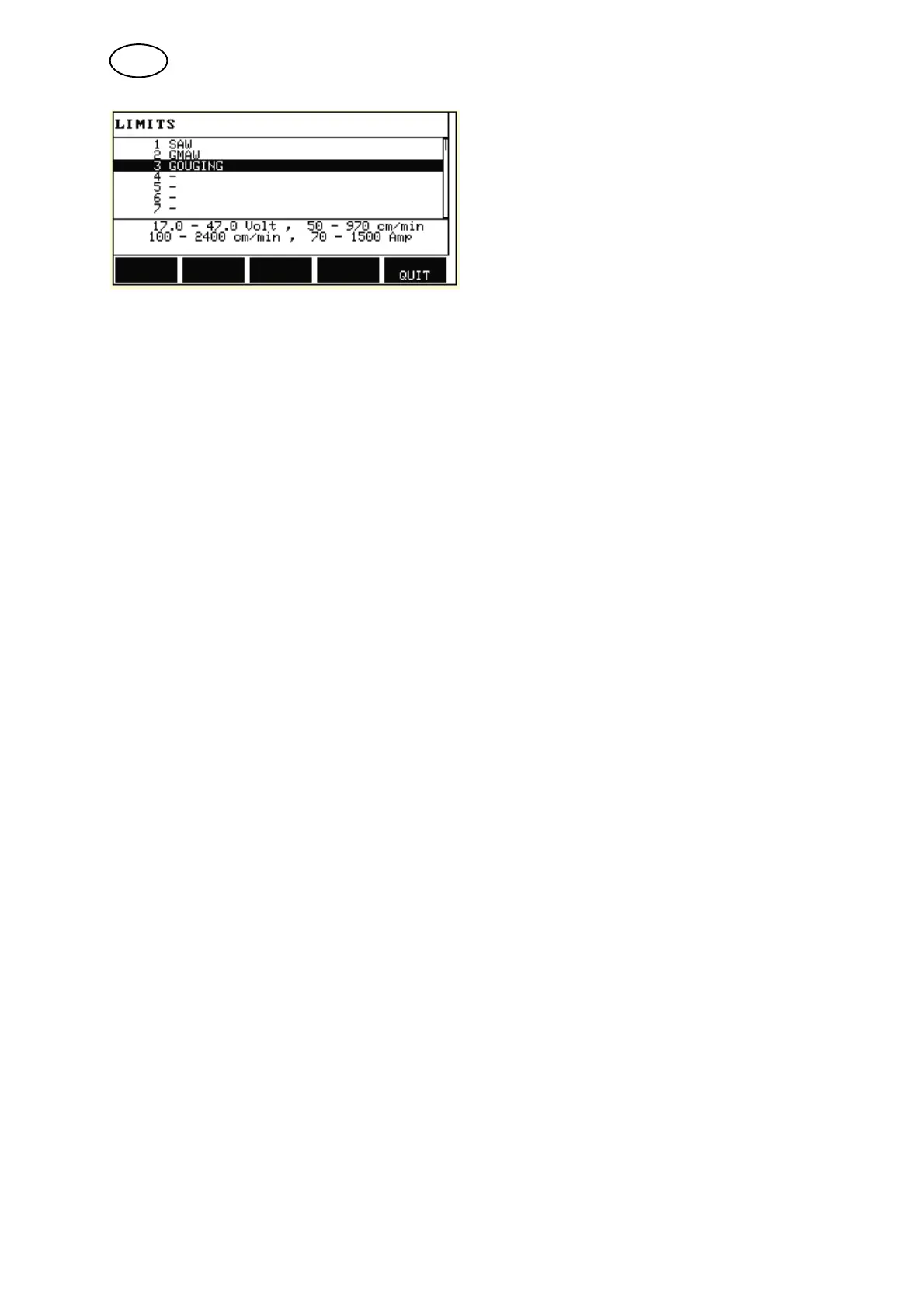
9.5 Measure limits editor
Main menu Tools Measure limits editor
In this menu you set your own measurement values for the various welding methods.
There are 50 storage points. Select the row for an empty storage point and press
ENTER. Select process by pressing ENTER and select the welding process using
the positioning knob and press ENTER.
The following values can be selected:
S arc voltage: min, max
S wire feed speed: min, max
S welding current: min, max
S travel speed: min, max
S energy per unit length: min, max
Set the desired value using the setting knobs and press STORE.
GB



 To Next Page