− 6 −
bi24d1ea
16 Soft keys
17 Display
1.1.1 Keys and knobs
Menu
The Menu key always takes you back to the main menu in the relevant process:
SAW
PROCESS SAW
REGULATION TYPE CA
WIRE TYPE Fe SOLID
WIRE DIMENSION 3.0 mm
CONFIGURATION"
TOOLS"
SET MEASURE MEMORY
FAST
MODE
ENTER
Use the ENTER key to confirm a selection.
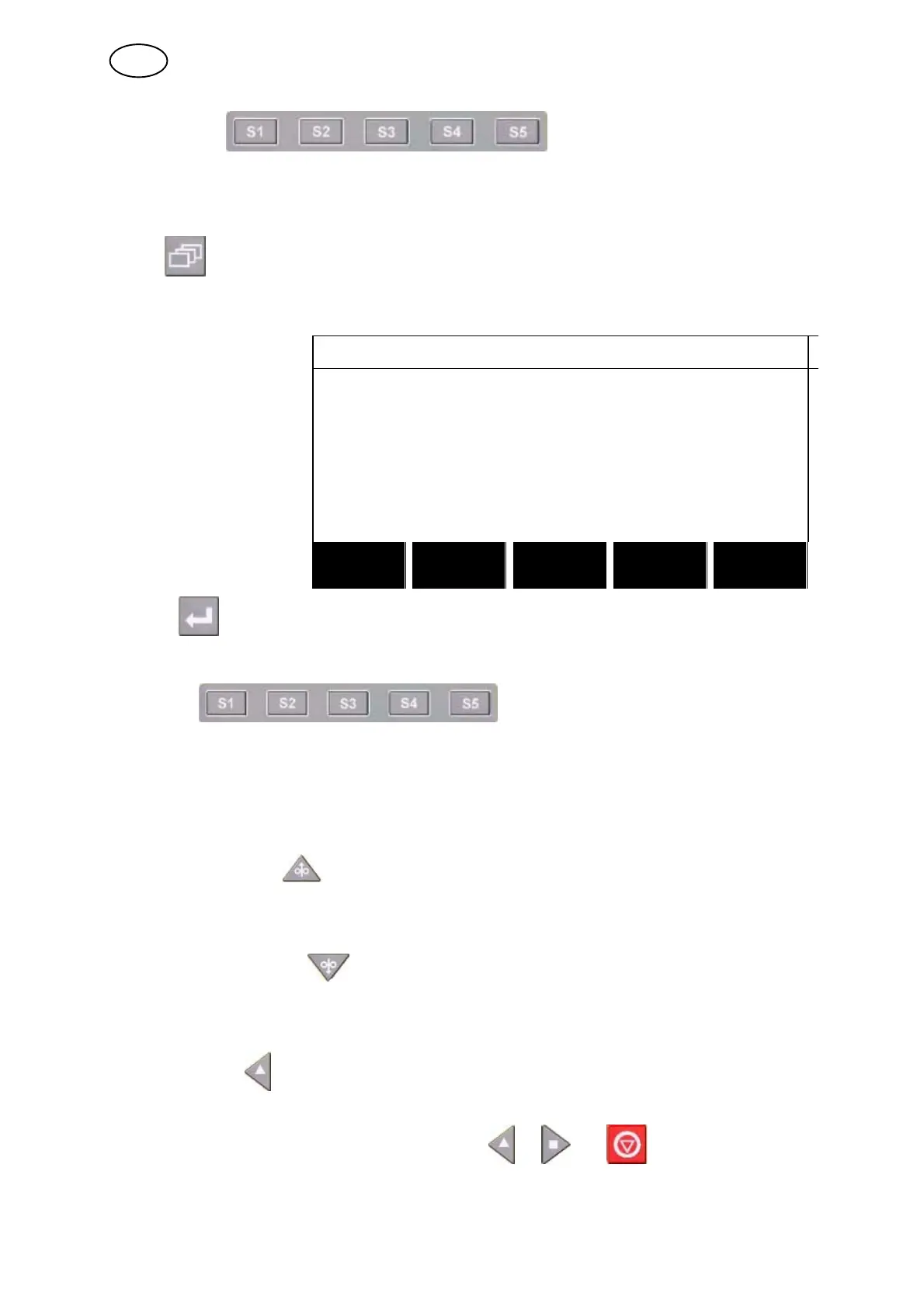
Soft keys
The five keys (S1 − S5) under the display have different functions. They are called
”soft” keys, i.e. they can have different functions depending on which menu you are
in. The current function for these keys can be seen from the text in the bottom row of
the display. When the function is active, this is indicated by the field with the text box
turning white.
Wire feed upwards
Key for reversing the wire without arc voltage, when replacing wire bobbin for
example. The wire is fed as long as the button is depressed.
Wire feed downwards
Key for feeding wire without arc voltage. The wire is fed as long as the button is
depressed.
Travel motion
Key for travel motion in the direction of welding where the symbol is indicated on the
weld equipment. To stop travel motion press , or .
The LED illuminates during travel motion.
GB



 To Next Page