b. On the edger
• If M'Eye Touch is not activated and a negative shape arrives on the edger from the tracer-centerer-
blocker, Essibox or a connected software application (PMS, Opsys, VisionWeb, etc.), a warning is
displayed:
Press to confirm.
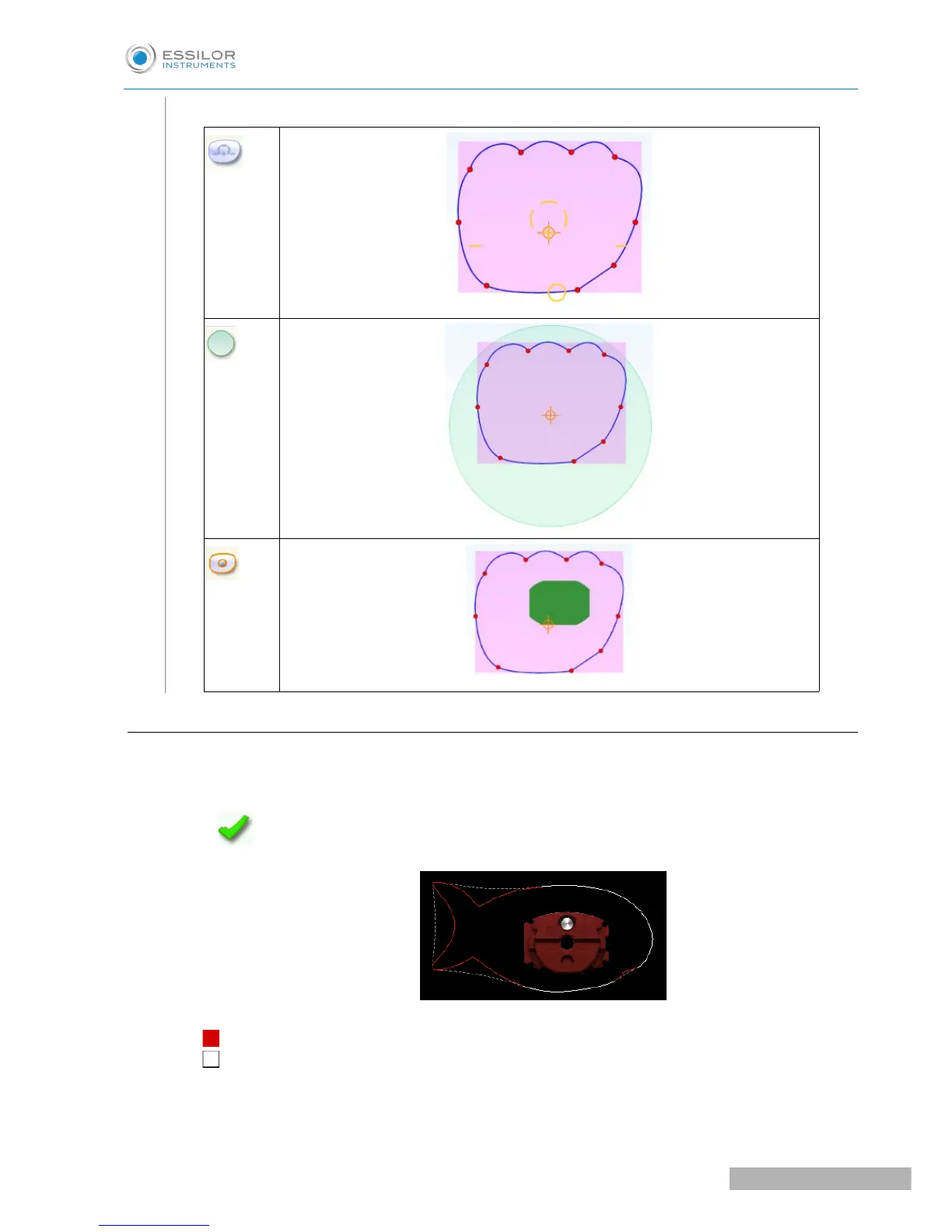
> The following screen is displayed.
> 2 superimposed shapes appear:
◦ Exact outline of the creative shape received
◦ Outline of the shape which the edger can cut with the large wheels
• If M'Eye Touch is enabled, the following screen is displayed:



 To Next Page