For more precision, you can verify it using the tracer, by using the centering function.
Position the posiblock in the center of the lens.
The lenses are ready to be edged
d. Cut a Chemistrie lens
Press to call up the desired shape located on the tracer.
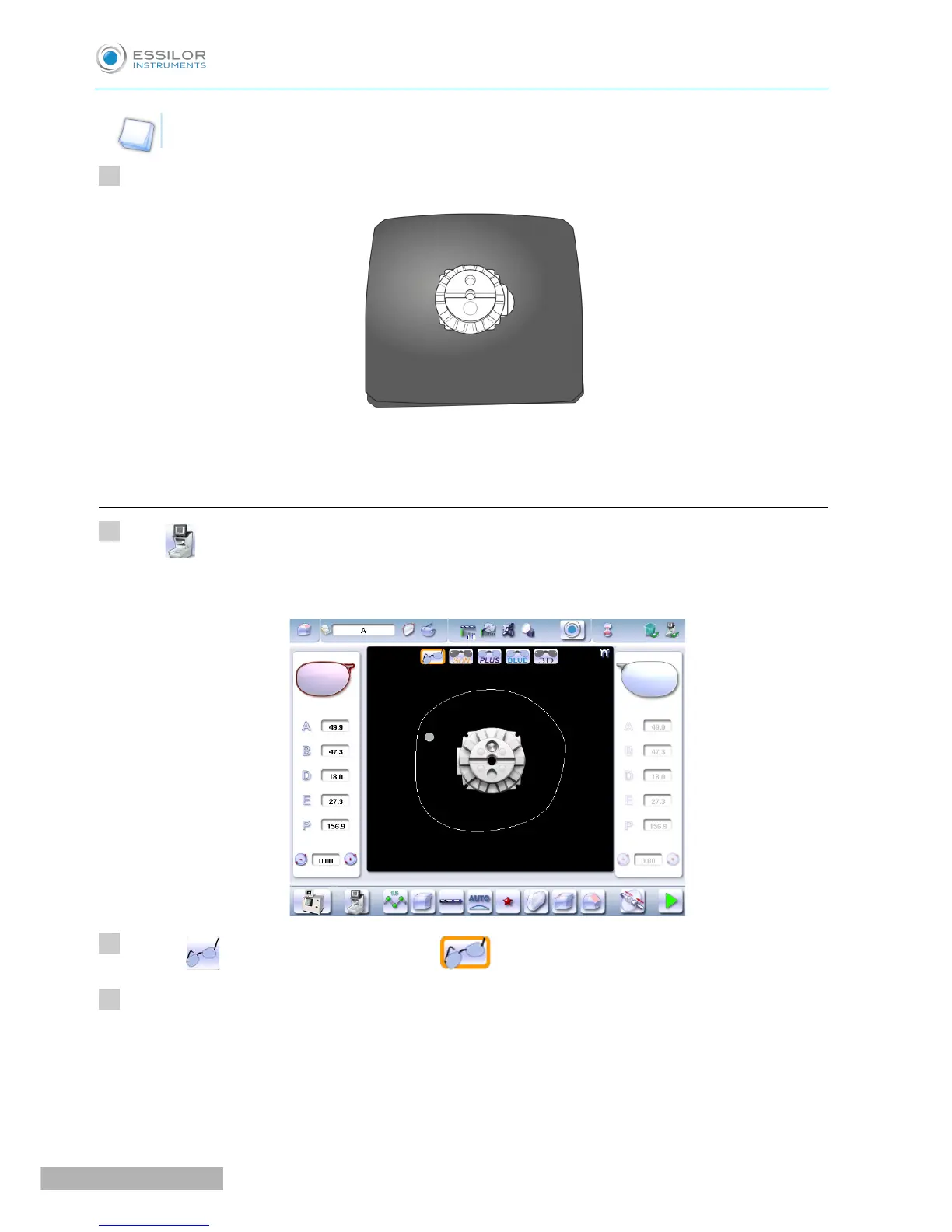
The shape is displayed on the edger work screen with the selected clips:
Press on to select the ophthalmic lenses: .
Configure edging:
1. Select lens material.
2. Select the type of cycle.
3. Select the finish,
4. Choose whether or not to polish and/or chamfer your lens.



 To Next Page