During the installation of a new tool, the statistics are automatically reset to zero by default.
>The icon appears by default at the bottom of the screen.
When replacing a chamfering wheel with a step bevel wheel, or cleaning the machine, the
statistics will be saved.
>The icon appears by default at the bottom of the screen.
Press at the bottom of the screen to confirm the tool change-over.
The module goes back into its initial position, the statistics are cleared.
d. Install and change the step bevel ++ tool
We recommend that you change the Step bevel wheel every 2,000 bevels to keep an optimal cycle time.
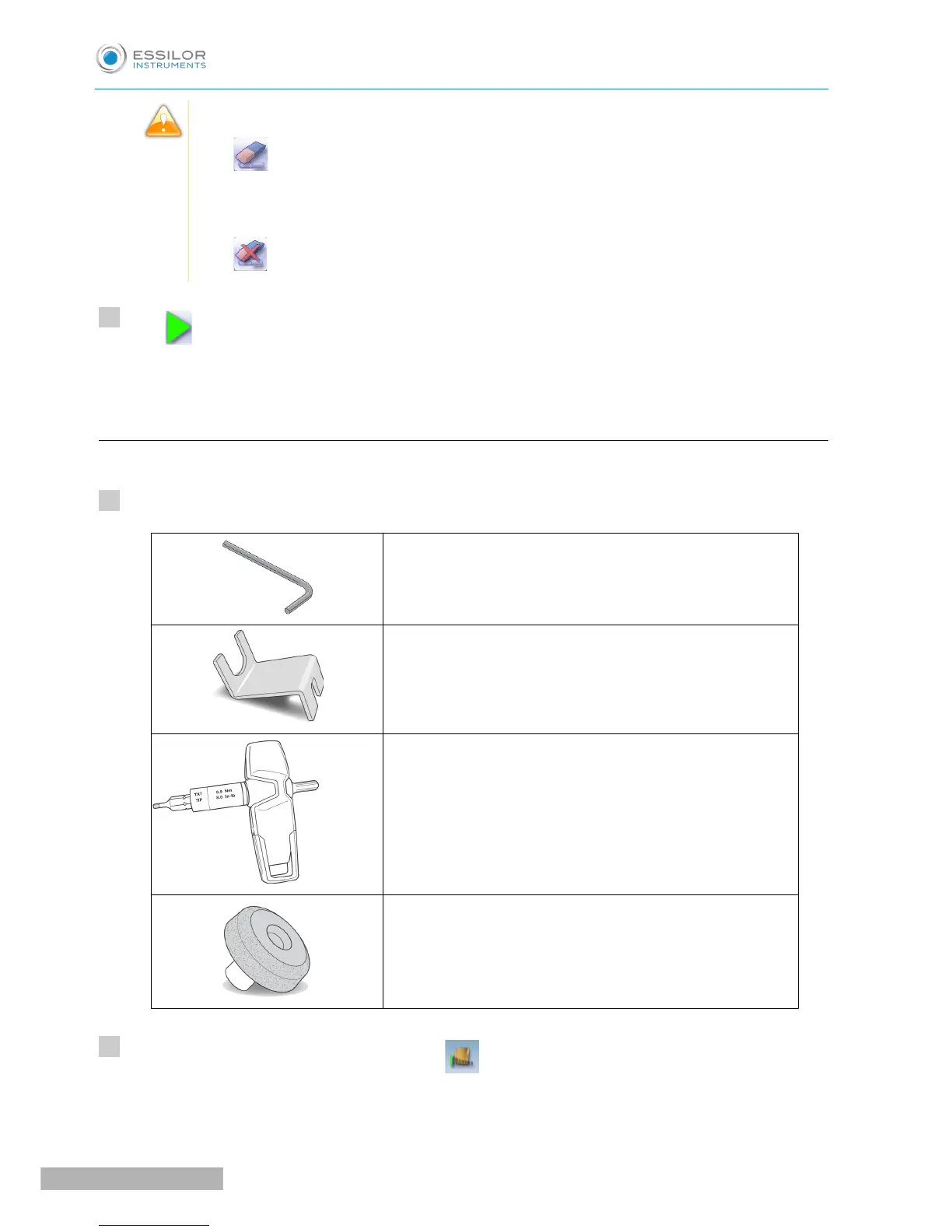
You will need the following:
Allen key
Blocking key
Torque wrench
“Step++” wheel
From the working screen of your edger, press (tool wear indicator) for several seconds to access
the screen for tool changes.



 To Next Page