b. Performing engraving
You must have performed lens centering and blocking on the tracer before performing edging
Call up the job on the edger.
For more information, consult the section Edging a lens > Edger work environment > Calling up a shape
(F p.22)
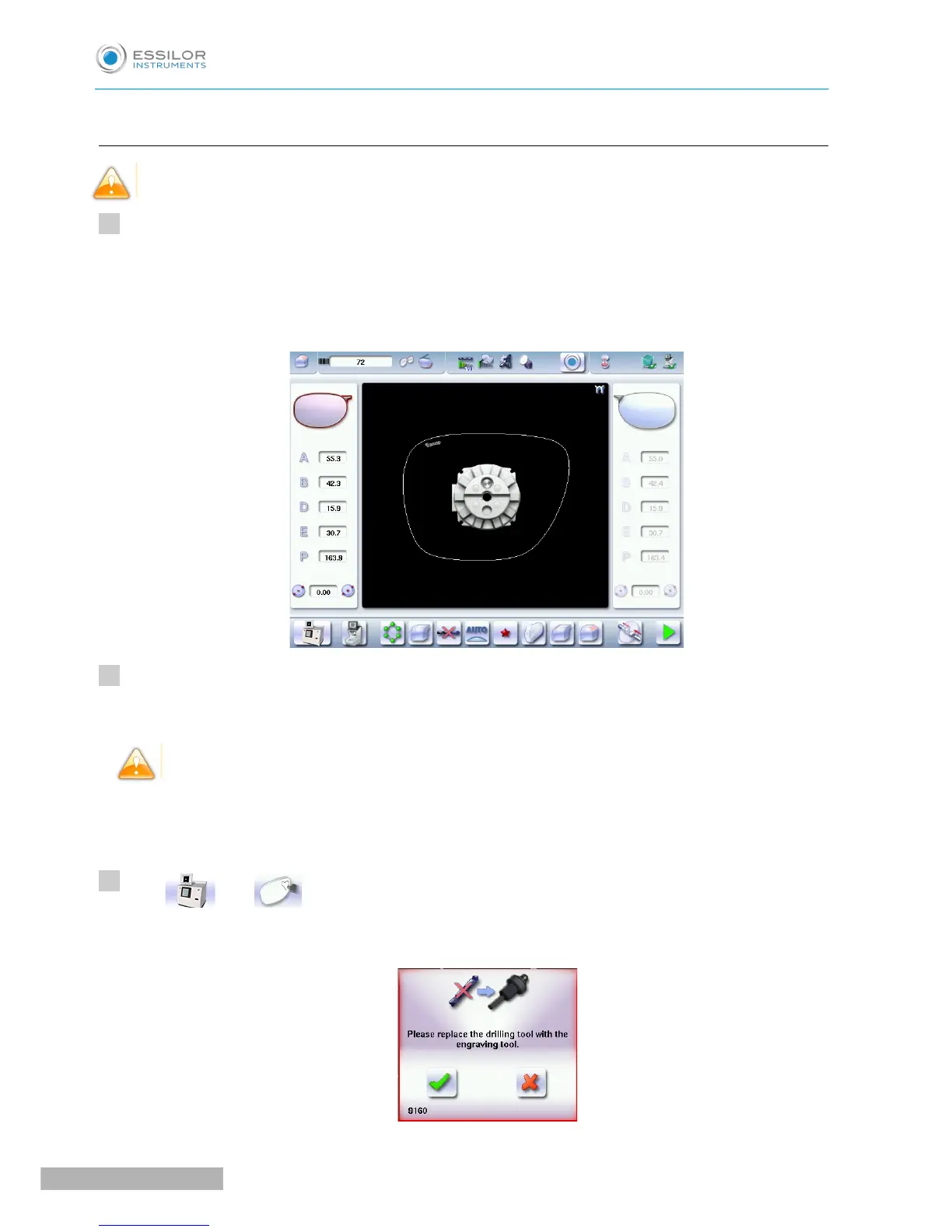
The edging screen is displayed:
Set up the edging settings for your job and start the cycle.
For more information, refer to the section Edging a lens. (F p.18)
You are not allowed to engrave on glass.
Once edging has been carried out, the following screen is displayed:
Screen missing
Press then to access the engraving screen.
A window is displayed, which requests you to replace the drilling tool with the engraving tool.



 To Next Page