9. PERFORM A POLISHING
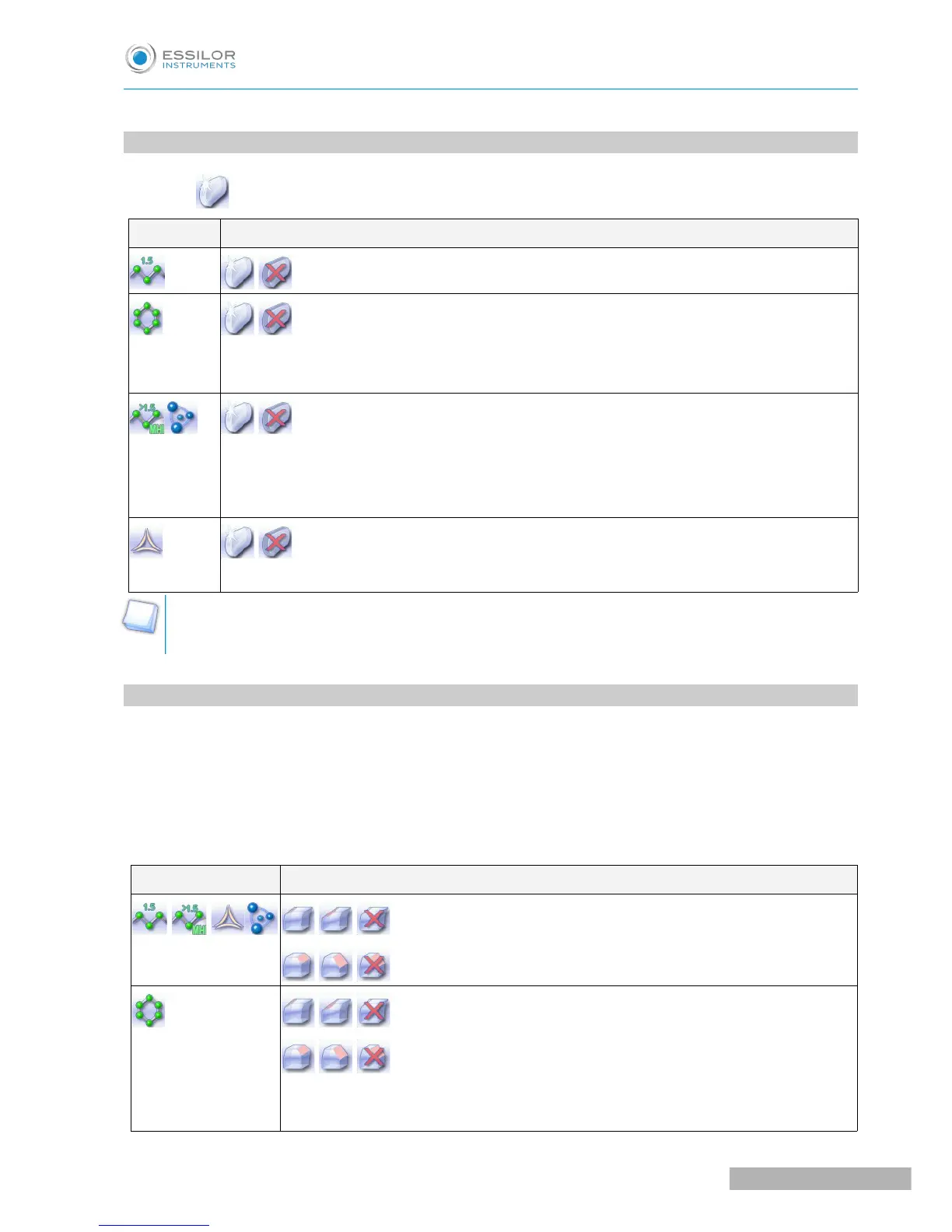
Press the button to activate/deactivate polishing.
LENS MATERIAL AVAILABLE OPTIONS
The polishing option is pre-selected and is strongly recommended by the manufacturer to
prevent small cracks.
Make sure you select the correct type of material for MHI (> 1.5) or Tribrid lenses and never
polish a lens of this type without water. Otherwise, the polishing wheel could suffer irreversible
damage.
The polishing option is pre-selected.
The polishing option is not available for a high-base job. Nevertheless, the wheel was designed to
create an equivalent finish for polycarbonate lenses.
10. CHAMFERING
The chamfer, also called counter-bevel, removes the sharp edge of the lens.
• Standard value of a small chamfer: 0.20 mm
• Standard value of a large chamfer: 0.40 mm
Before you select a type of chamfer, make sure it is compatible with the lens characteristics:
• Lens material
LENS MATERIAL AVAILABLE OPTIONS
The quality of the chamfer depends on the spraying. Make sure there is a constant
flow of water until the end of the chamfering operation.



 To Next Page